In the analyzed video, itzuke cubing uses a First-person POV structure, opens with Question hooks, and builds purchase intent through Convenience angle. This observation is based only on this video's script, storyboard, and public performance data.
In the analyzed video, itzuke cubing uses a First-person POV structure, opens with Question hooks, and builds purchase intent through Convenience angle. This observation is based only on this video's script, storyboard, and public performance data.
Uma pergunta direta e muitas vezes levemente provocativa, como “por que o dela é tão maior?!”, chama a atenção com eficácia. Ao tocar em uma experiência comum ou curiosidade ainda sem resposta, essa abertura cria identificação rapidamente e incentiva o público a continuar para descobrir a resposta ou solução.
Essa perspectiva faz o público sentir que está vivendo a experiência em primeira pessoa. Cenas de selfie gravadas à mão mostram os detalhes e o uso do produto, criam uma sensação autêntica e imersiva, aproximam o espectador e despertam o interesse de compra.
Uma experiência de uso fluida ou a versatilidade são essenciais para o sucesso do produto. Mostrar a facilidade desde a abertura da embalagem até o uso, ou destacar um design multifuncional que fatia, rala e faz suco, atrai consumidores que valorizam eficiência e praticidade.
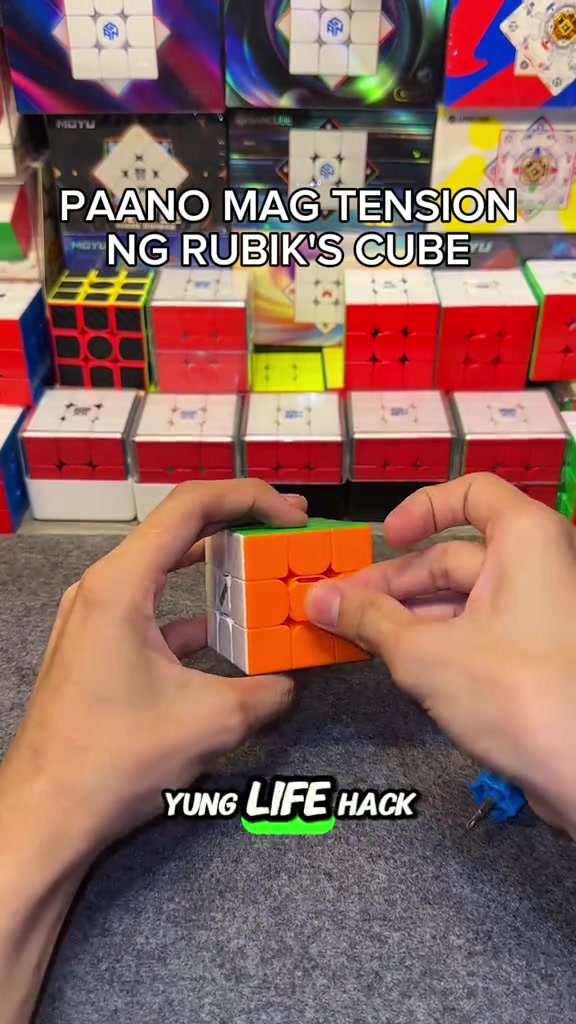
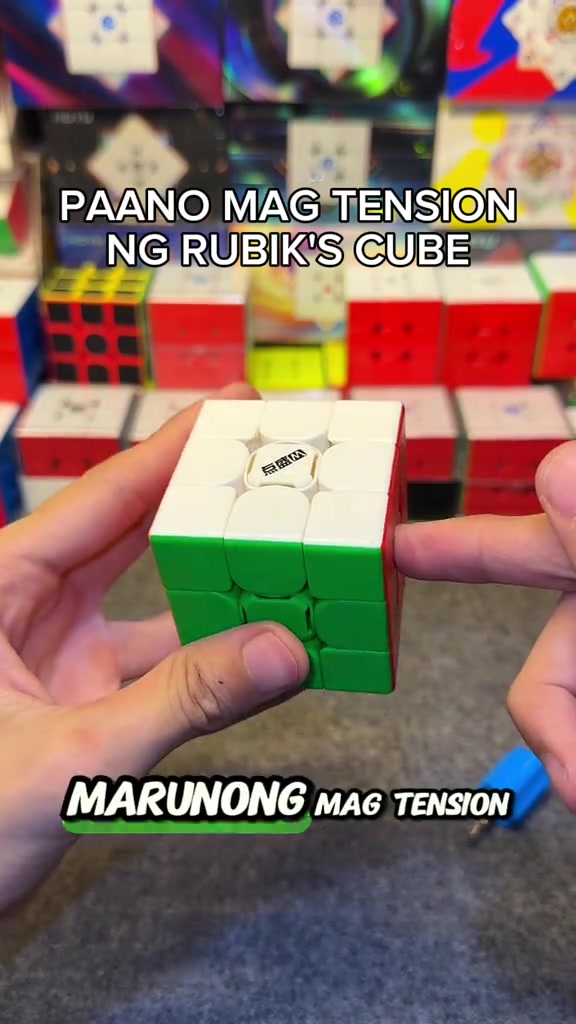
So how do you adjust the tension of the cube? When you get the cube, if you don't like it or its corner cutting performance is really bad, all you need is this screwdriver, a regular screwdriver works too. This DianSheng Solar M comes with this tool in its box.
Instructions for Use
So you open all the sides. We open all the center caps, all six sides. You just put it on the top, then turn it until two colors align. Like this, right? Make sure it's tightened properly, so one, two.
Instructions for Use
So the white face is done, put the center cap back as a marker so you don't get confused about which ones you've adjusted. We turn until blue and red align, it's done, put the center cap back, for the rest of the faces just turn one, two.
Product Benefits
This life hack lets you easily loosen your Rubik's cube tension, its corner cutting is way better than before now that we've loosened it, and it's much smoother. Try this on your cube if you just got a new one, or you're a beginner who doesn't know how to adjust tension yet.
Call to Action
Comment below if your cube's feel got better, and if its corner cutting improved. Follow me too, I'll upload more tutorials like this later.
Análise do storyboard
Close-up
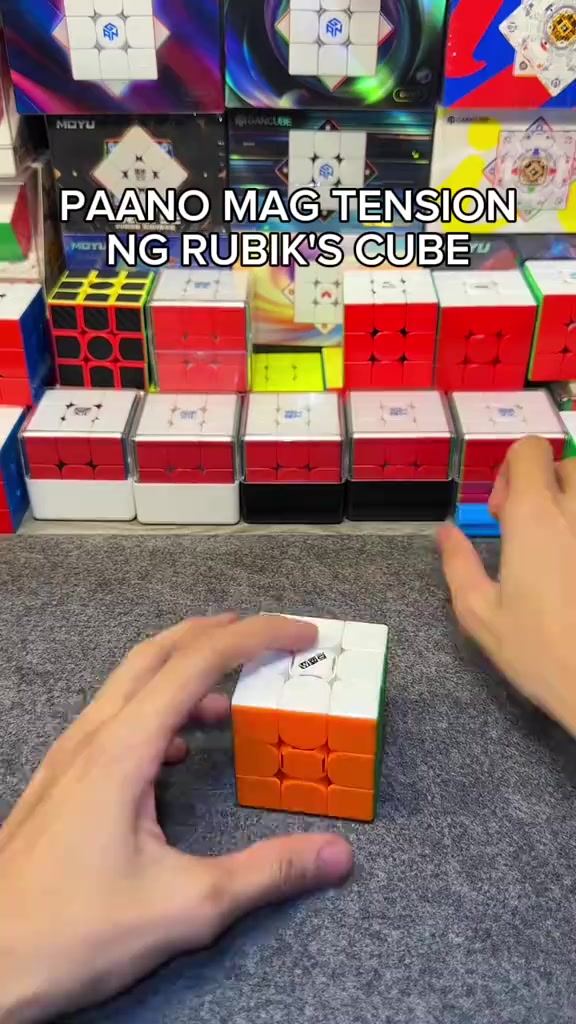
In an indoor Rubik's cube studio setting, a pair of hands operates a 3x3 Rubik's cube on a gray flocked desktop, first picking up the cube to show the center logo face, then taking out the matching blue cube screwdriver to demonstrate its appearance, with multiple packaged Rubik's cubes neatly displayed in the background under bright soft lighting.
Medium Close-up
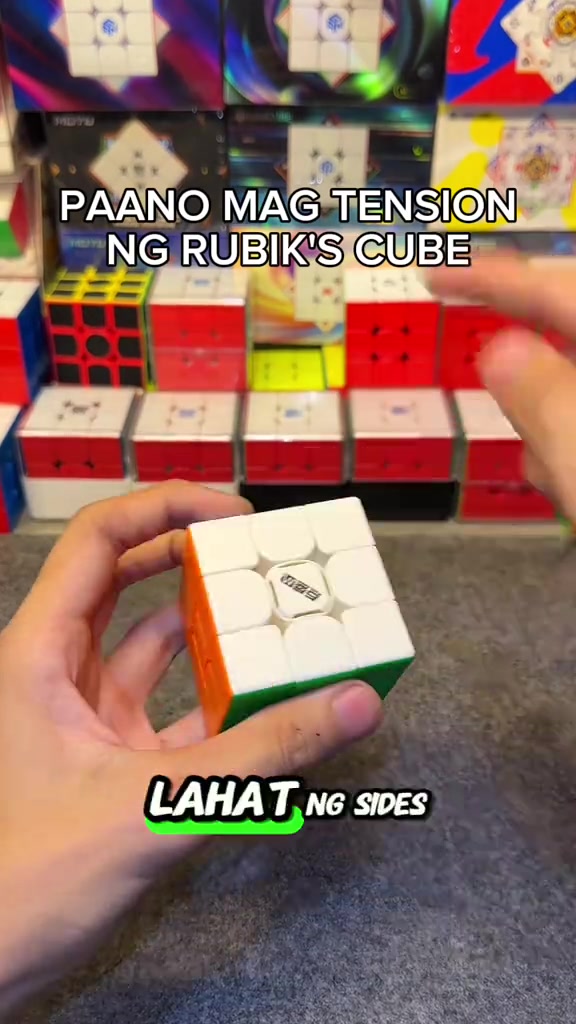
The hands pry off the center caps of all six faces of the Rubik's cube in sequence, arrange the removed colorful center caps neatly on the gray desktop, then use the blue screwdriver to align with the screw at the center of the cube's top face for tension adjustment, with the cube product display shelf in the background.
Medium Close-up
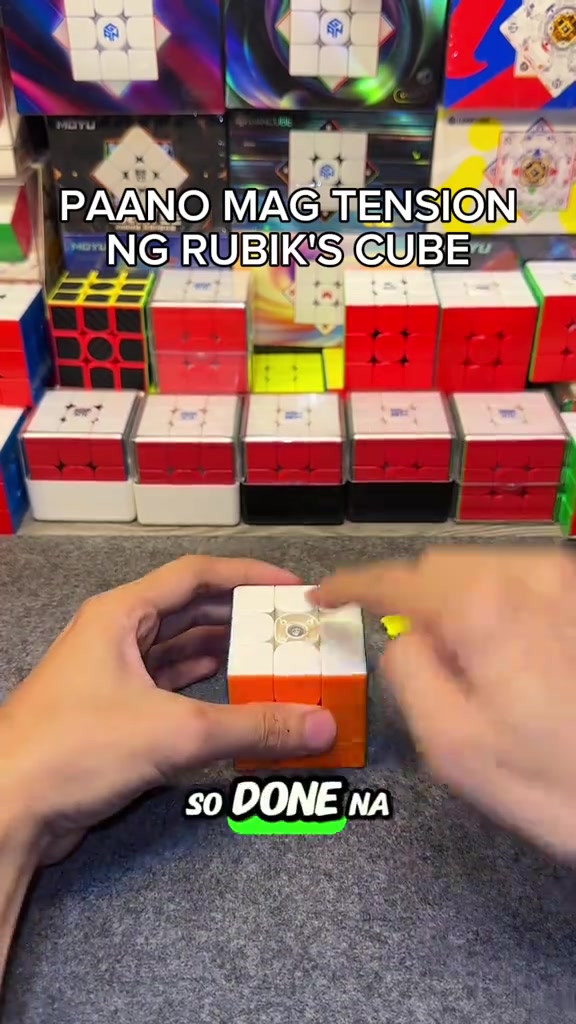
The hands press the white top face center cap back onto the cube's top face to secure it, then flip the cube to the yellow face and orange face in turn, use the screwdriver to turn the corresponding screws to adjust tension for each face, and install the matching center cap after finishing adjustment for each face.
Medium Shot
After all center caps are installed, the hands quickly twist the Rubik's cube to demonstrate the smooth handling and corner cutting effect after adjustment, then hold the cube still to show its overall appearance, with the cube display shelf in the background.
Medium Shot
A FOLLOW button effect with a pointing cursor pops up on the screen, the hands keep flipping the Rubik's cube to show the appearance of different faces, then quickly twist the cube to demonstrate its smooth handling, ending the adjustment demonstration.
Perguntas frequentes
Perguntas sobre o vídeo HOW TO ADJUST THE TENSION OF A RUBIK'S CUBE
Perguntas sobre a estratégia criativa, o criador, as métricas e a criação de um vídeo semelhante.
Qual gancho inicial o vídeo de DianSheng 2026 New Edition 3x3 Magnetic Speed Cube utiliza?
O vídeo começa com “Gancho com pergunta”. A classificação usa o conteúdo coletado e os dados de análise para explicar como os primeiros segundos atraem atenção.
Qual ângulo de venda e estrutura este vídeo utiliza?
O principal ângulo é “Ângulo de conveniência” e a estrutura é “POV em primeira pessoa”. Adapte essas ideias ao seu produto, público e voz de marca.
itzuke cubing é o criador deste vídeo?
Os dados atuais identificam itzuke cubing como criador. Quando disponível, o nome leva ao perfil público no TikTok.
Posso usar o vídeo de DianSheng 2026 New Edition 3x3 Magnetic Speed Cube para criar um semelhante?
Sim. A Octer usa gancho, ritmo, estrutura e apresentação como referência e combina esses elementos com as informações do seu produto sem copiar o material original.
Visualizações, engajamento e dados do produto são em tempo real?
Não. A página mostra os dados públicos coletados mais recentemente, que podem sofrer atrasos por atualizações da plataforma e períodos de relatório.
O que devo considerar ao criar conteúdo com esta referência?
Não reutilize diretamente vídeo, música, imagem ou ativos de marca do criador. Confirme os direitos e as regras aplicáveis antes de publicar.