In the analyzed video, itzuke cubing uses a First-person POV structure, opens with Question hooks, and builds purchase intent through Convenience angle. This observation is based only on this video's script, storyboard, and public performance data.
In the analyzed video, itzuke cubing uses a First-person POV structure, opens with Question hooks, and builds purchase intent through Convenience angle. This observation is based only on this video's script, storyboard, and public performance data.
Una pregunta directa y a menudo ligeramente provocadora, como “¡¿por qué el suyo es mucho más grande?!”, atrae eficazmente la atención. Al tocar una experiencia compartida o una curiosidad sin resolver, esta apertura crea una conexión inmediata y anima al público a quedarse para conocer la respuesta o la solución.
Esta perspectiva hace que el público sienta que vive la experiencia en primera persona. Las tomas selfie a mano muestran los detalles del producto y su uso, crean una sensación auténtica e inmersiva, acercan al espectador y despiertan el interés de compra.
Una experiencia de uso fluida o una gran versatilidad son claves para el éxito del producto. Mostrar lo sencillo que resulta pasar del unboxing al uso, o destacar un diseño todo en uno que corta, ralla y exprime, atrae eficazmente a consumidores que buscan eficiencia y comodidad.
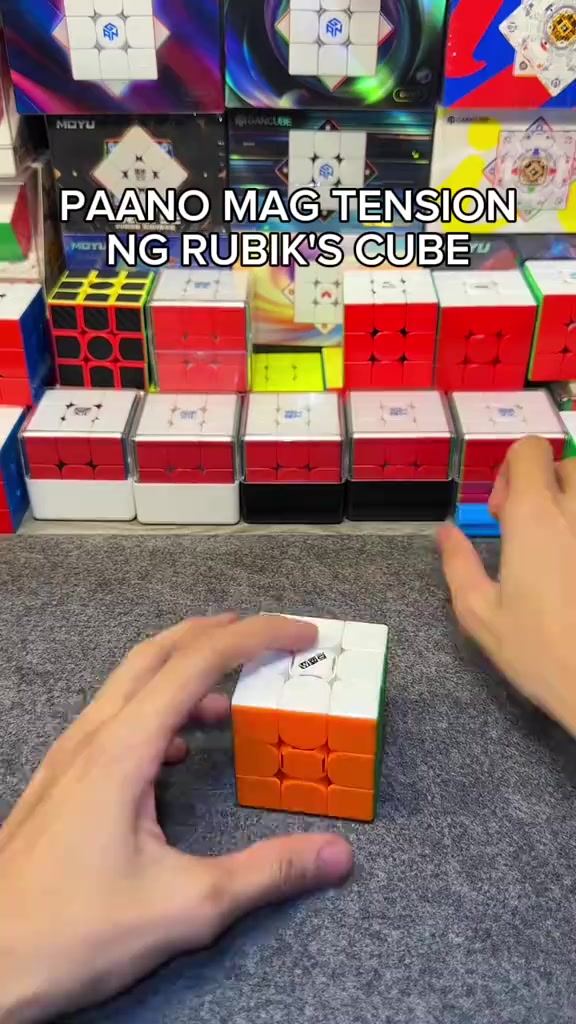
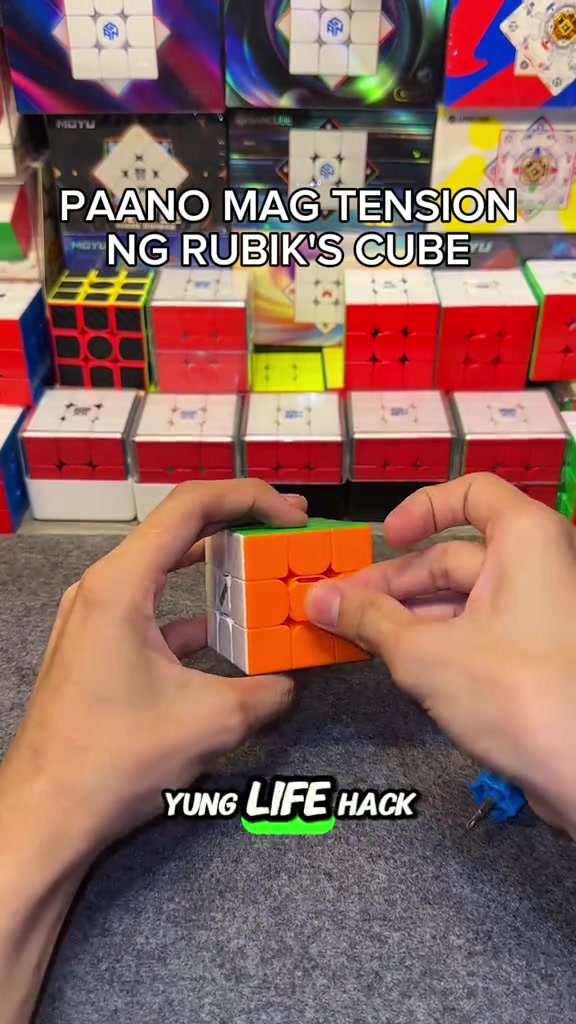
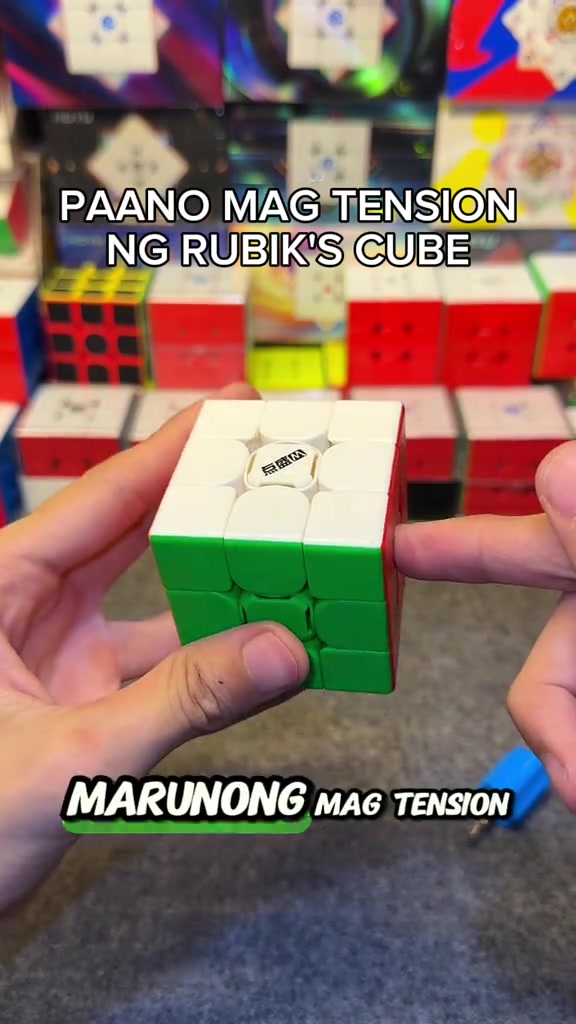
So how do you adjust the tension of the cube? When you get the cube, if you don't like it or its corner cutting performance is really bad, all you need is this screwdriver, a regular screwdriver works too. This DianSheng Solar M comes with this tool in its box.
Instructions for Use
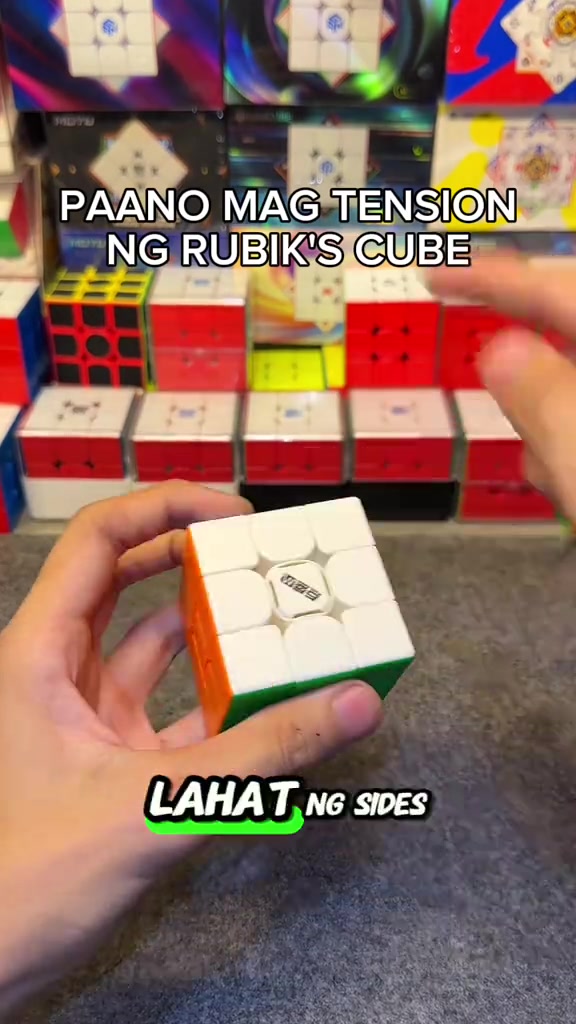
So you open all the sides. We open all the center caps, all six sides. You just put it on the top, then turn it until two colors align. Like this, right? Make sure it's tightened properly, so one, two.
Instructions for Use
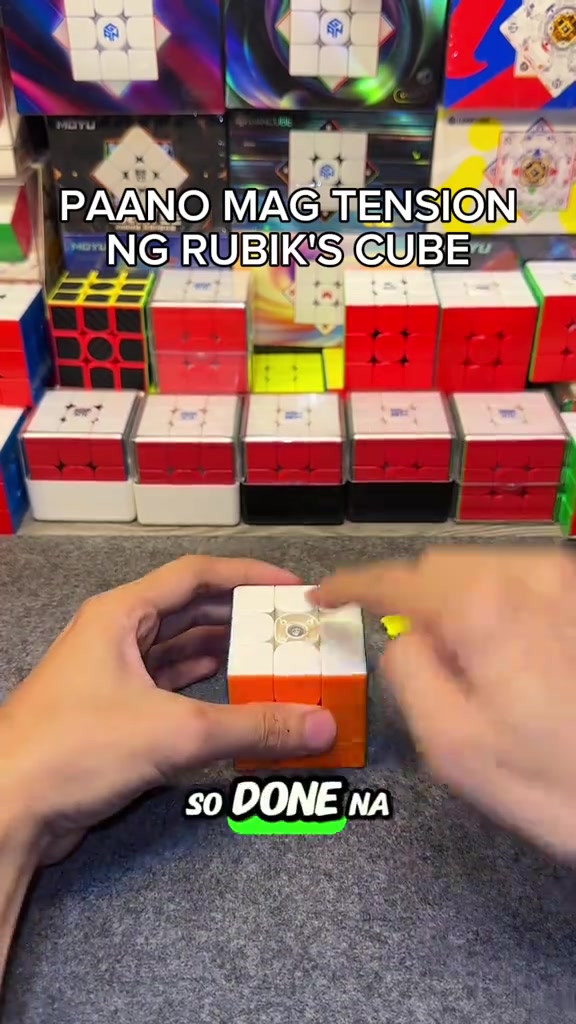
So the white face is done, put the center cap back as a marker so you don't get confused about which ones you've adjusted. We turn until blue and red align, it's done, put the center cap back, for the rest of the faces just turn one, two.
Product Benefits
This life hack lets you easily loosen your Rubik's cube tension, its corner cutting is way better than before now that we've loosened it, and it's much smoother. Try this on your cube if you just got a new one, or you're a beginner who doesn't know how to adjust tension yet.
Call to Action
Comment below if your cube's feel got better, and if its corner cutting improved. Follow me too, I'll upload more tutorials like this later.
Análisis del storyboard
Close-up
In an indoor Rubik's cube studio setting, a pair of hands operates a 3x3 Rubik's cube on a gray flocked desktop, first picking up the cube to show the center logo face, then taking out the matching blue cube screwdriver to demonstrate its appearance, with multiple packaged Rubik's cubes neatly displayed in the background under bright soft lighting.
Medium Close-up
The hands pry off the center caps of all six faces of the Rubik's cube in sequence, arrange the removed colorful center caps neatly on the gray desktop, then use the blue screwdriver to align with the screw at the center of the cube's top face for tension adjustment, with the cube product display shelf in the background.
Medium Close-up
The hands press the white top face center cap back onto the cube's top face to secure it, then flip the cube to the yellow face and orange face in turn, use the screwdriver to turn the corresponding screws to adjust tension for each face, and install the matching center cap after finishing adjustment for each face.
Medium Shot
After all center caps are installed, the hands quickly twist the Rubik's cube to demonstrate the smooth handling and corner cutting effect after adjustment, then hold the cube still to show its overall appearance, with the cube display shelf in the background.
Medium Shot
A FOLLOW button effect with a pointing cursor pops up on the screen, the hands keep flipping the Rubik's cube to show the appearance of different faces, then quickly twist the cube to demonstrate its smooth handling, ending the adjustment demonstration.
Preguntas frecuentes
Preguntas sobre el vídeo HOW TO ADJUST THE TENSION OF A RUBIK'S CUBE
Preguntas sobre la estrategia creativa, el creador, las métricas y cómo crear un vídeo similar.
¿Qué gancho inicial utiliza el vídeo de DianSheng 2026 New Edition 3x3 Magnetic Speed Cube?
El vídeo comienza con «Gancho con pregunta». La clasificación se basa en el contenido recopilado y los datos de análisis, y ayuda a entender cómo capta la atención en los primeros segundos.
¿Qué ángulo de venta y estructura utiliza este vídeo?
El ángulo principal es «Ángulo de comodidad» y la estructura es «POV en primera persona». Adapta estas ideas a tu producto, audiencia y voz de marca.
¿itzuke cubing es el creador de este vídeo?
Los datos actuales identifican a itzuke cubing como creador. Cuando está disponible, el nombre enlaza con su perfil público de TikTok.
¿Puedo usar el vídeo de DianSheng 2026 New Edition 3x3 Magnetic Speed Cube para crear uno similar?
Sí. Octer toma como referencia el gancho, el ritmo, la estructura y la presentación, y los combina con la información de tu producto sin copiar el material original.
¿Las visualizaciones, la interacción y los datos de producto son en tiempo real?
No. Se muestran los datos públicos recopilados más recientemente y puede haber retrasos por actualizaciones de la plataforma o periodos de informes.
¿Qué debo tener en cuenta al crear contenido a partir de esta referencia?
No reutilices directamente el vídeo, la música, la imagen o los recursos de marca del creador original. Confirma los derechos y las normas aplicables antes de publicar.