In the analyzed video, itzuke cubing uses a First-person POV structure, opens with Question hooks, and builds purchase intent through Convenience angle. This observation is based only on this video's script, storyboard, and public performance data.
In the analyzed video, itzuke cubing uses a First-person POV structure, opens with Question hooks, and builds purchase intent through Convenience angle. This observation is based only on this video's script, storyboard, and public performance data.
Une question directe et souvent légèrement provocatrice, comme « pourquoi le sien est-il tellement plus grand ?! », capte efficacement l’attention. En évoquant une expérience commune ou une curiosité sans réponse, cette ouverture crée rapidement un lien et incite le public à rester pour découvrir la réponse ou la solution.
Cette perspective donne au public l’impression de vivre l’expérience lui-même. Des plans selfie filmés à la main montrent les détails du produit et son utilisation, créent une authenticité immersive, rapprochent la marque du public et stimulent l’intérêt d’achat.
Une expérience fluide ou une grande polyvalence est essentielle au succès d’un produit. Montrer la simplicité du déballage à l’utilisation, ou souligner une conception tout-en-un capable de trancher, râper et extraire du jus, attire efficacement les consommateurs en quête d’efficacité et de praticité.
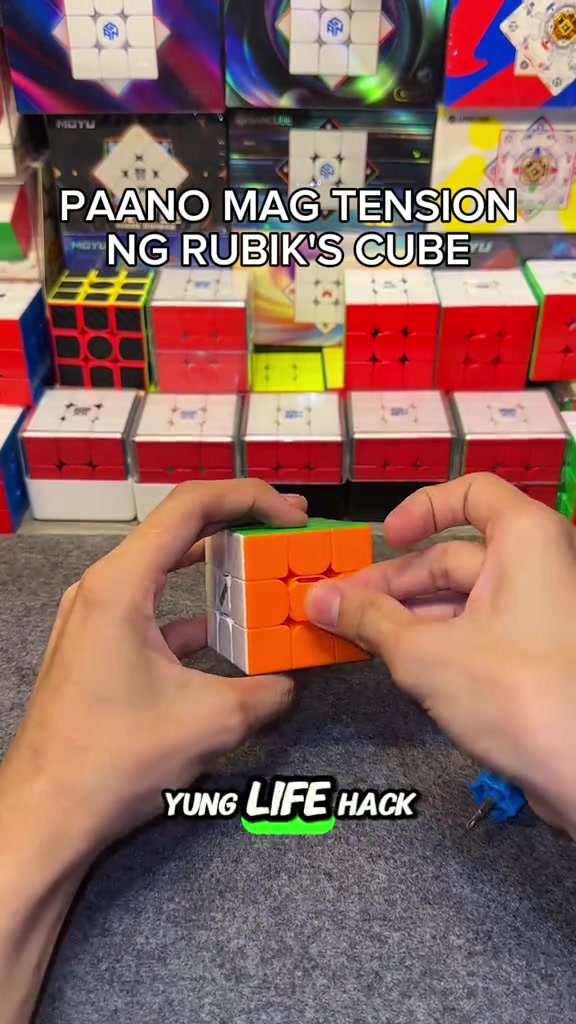
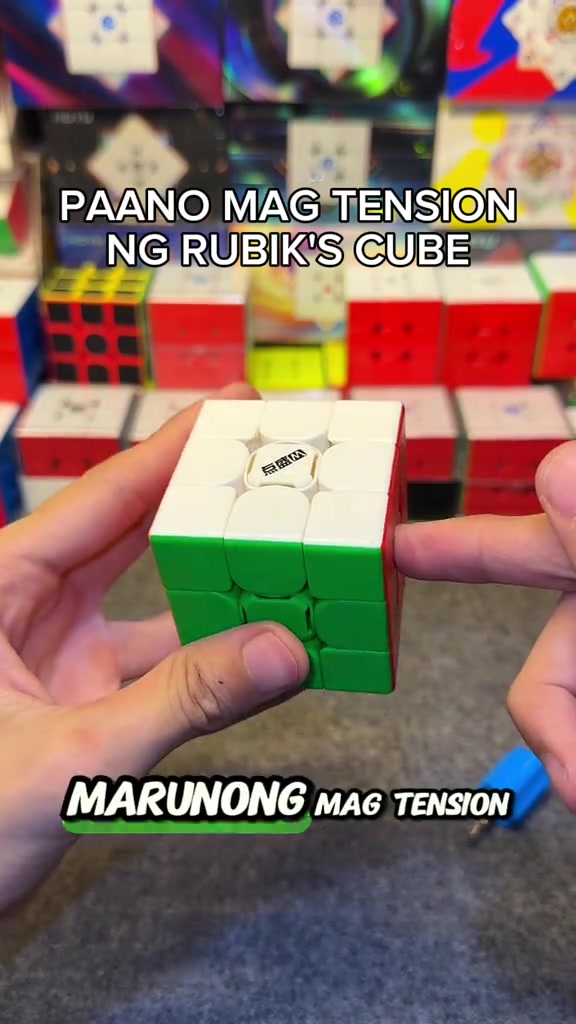
So how do you adjust the tension of the cube? When you get the cube, if you don't like it or its corner cutting performance is really bad, all you need is this screwdriver, a regular screwdriver works too. This DianSheng Solar M comes with this tool in its box.
Instructions for Use
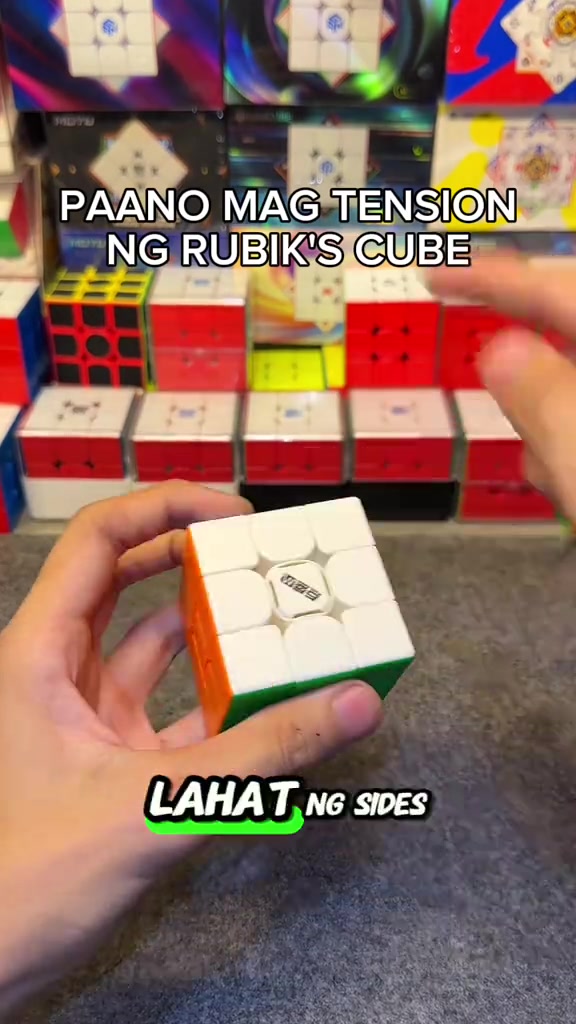
So you open all the sides. We open all the center caps, all six sides. You just put it on the top, then turn it until two colors align. Like this, right? Make sure it's tightened properly, so one, two.
Instructions for Use
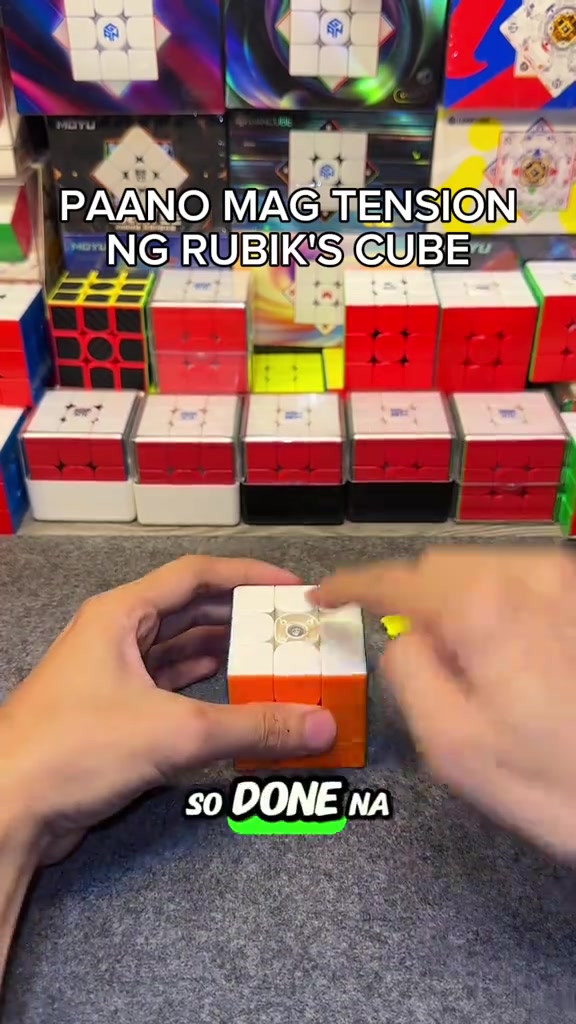
So the white face is done, put the center cap back as a marker so you don't get confused about which ones you've adjusted. We turn until blue and red align, it's done, put the center cap back, for the rest of the faces just turn one, two.
Product Benefits
This life hack lets you easily loosen your Rubik's cube tension, its corner cutting is way better than before now that we've loosened it, and it's much smoother. Try this on your cube if you just got a new one, or you're a beginner who doesn't know how to adjust tension yet.
Call to Action
Comment below if your cube's feel got better, and if its corner cutting improved. Follow me too, I'll upload more tutorials like this later.
Analyse du storyboard
Close-up
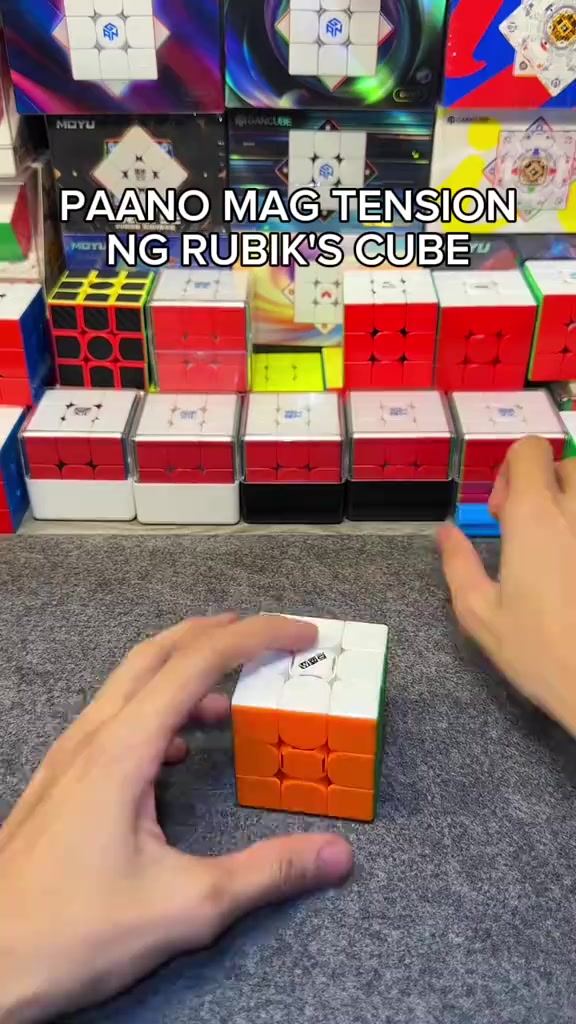
In an indoor Rubik's cube studio setting, a pair of hands operates a 3x3 Rubik's cube on a gray flocked desktop, first picking up the cube to show the center logo face, then taking out the matching blue cube screwdriver to demonstrate its appearance, with multiple packaged Rubik's cubes neatly displayed in the background under bright soft lighting.
Medium Close-up
The hands pry off the center caps of all six faces of the Rubik's cube in sequence, arrange the removed colorful center caps neatly on the gray desktop, then use the blue screwdriver to align with the screw at the center of the cube's top face for tension adjustment, with the cube product display shelf in the background.
Medium Close-up
The hands press the white top face center cap back onto the cube's top face to secure it, then flip the cube to the yellow face and orange face in turn, use the screwdriver to turn the corresponding screws to adjust tension for each face, and install the matching center cap after finishing adjustment for each face.
Medium Shot
After all center caps are installed, the hands quickly twist the Rubik's cube to demonstrate the smooth handling and corner cutting effect after adjustment, then hold the cube still to show its overall appearance, with the cube display shelf in the background.
Medium Shot
A FOLLOW button effect with a pointing cursor pops up on the screen, the hands keep flipping the Rubik's cube to show the appearance of different faces, then quickly twist the cube to demonstrate its smooth handling, ending the adjustment demonstration.
Questions fréquentes
FAQ sur la vidéo HOW TO ADJUST THE TENSION OF A RUBIK'S CUBE
Questions sur la stratégie créative, le créateur, les statistiques et la création d’une vidéo similaire.
Quelle accroche utilise la vidéo produit DianSheng 2026 New Edition 3x3 Magnetic Speed Cube ?
La vidéo commence par « Accroche interrogative ». Cette classification repose sur le contenu collecté et les données d’analyse afin d’expliquer comment les premières secondes captent l’attention.
Quel angle de vente et quelle structure utilise cette vidéo ?
L’angle principal est « Angle pratique » et la structure est « POV à la première personne ». Adaptez ces principes à votre produit, votre audience et votre marque.
itzuke cubing est-il le créateur de cette vidéo ?
Les données actuelles identifient itzuke cubing comme créateur. Lorsque disponible, son nom renvoie vers son profil TikTok public.
Puis-je utiliser la vidéo DianSheng 2026 New Edition 3x3 Magnetic Speed Cube pour créer une vidéo similaire ?
Oui. Octer étudie l’accroche, le rythme, la structure et la présentation, puis les combine avec vos informations produit sans copier directement la vidéo originale.
Les vues, l’engagement et les données produit sont-ils en temps réel ?
Non. La page affiche les dernières données publiques collectées. Des retards sont possibles en raison des mises à jour de la plateforme et des périodes de reporting.
Que faut-il vérifier avant de créer du contenu à partir de cette référence ?
Ne réutilisez pas directement la vidéo, la musique, l’image ou les éléments de marque du créateur. Vérifiez vos droits et les règles applicables avant publication.