In the analyzed video, Holden Mann uses a First-person POV structure, opens with Question hooks, and builds purchase intent through Scarcity angle. This observation is based only on this video's script, storyboard, and public performance data.
In the analyzed video, Holden Mann uses a First-person POV structure, opens with Question hooks, and builds purchase intent through Scarcity angle. This observation is based only on this video's script, storyboard, and public performance data.
A direct and often slightly provocative question, such as “why is hers so much bigger?!”, can effectively capture attention. By tapping into a shared experience or unresolved curiosity, this opening quickly creates relevance and encourages viewers to stay for the answer or solution.
This perspective makes viewers feel as though they are experiencing it firsthand. Handheld selfie shots show product details and the usage process, creating an immersive sense of authenticity that brings viewers closer and sparks purchase interest.
Creating scarcity can effectively prompt consumers to order immediately. Creators should directly tell viewers to “order before it sells out” and explain why supply is limited or demand is high, such as “newly launched and selling fast.” This urgent tone encourages purchase before hesitation sets in.
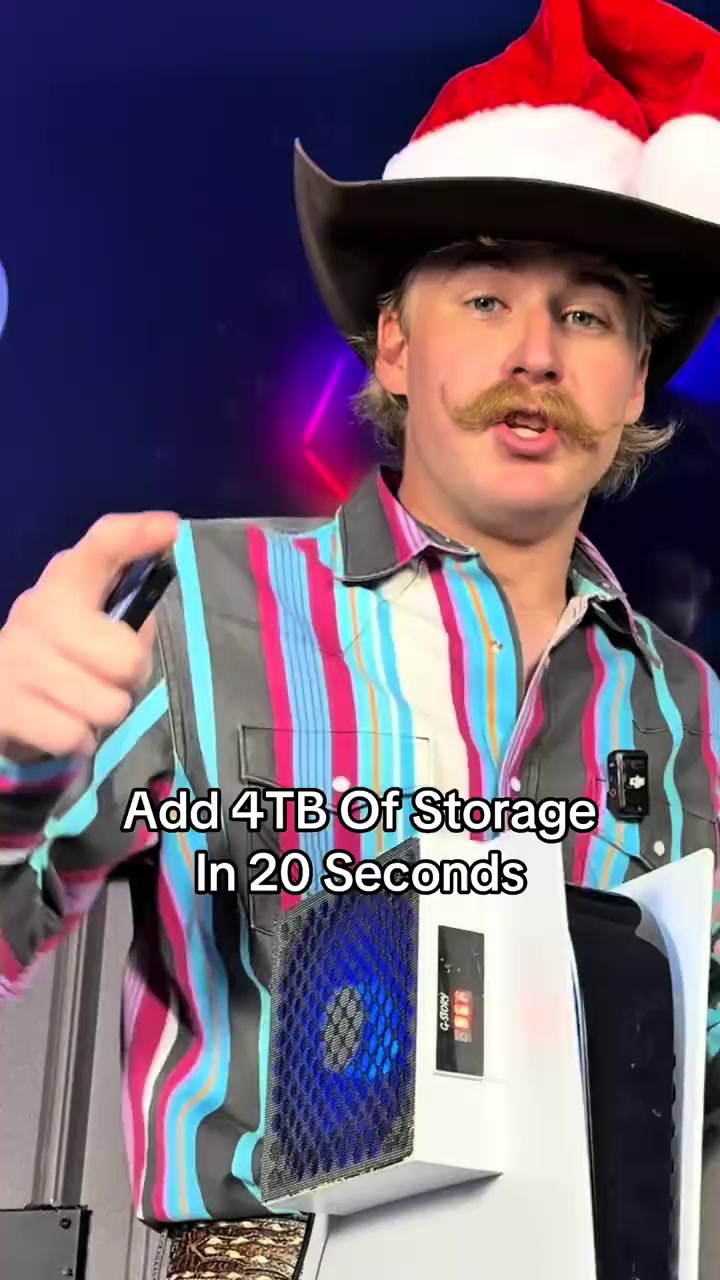
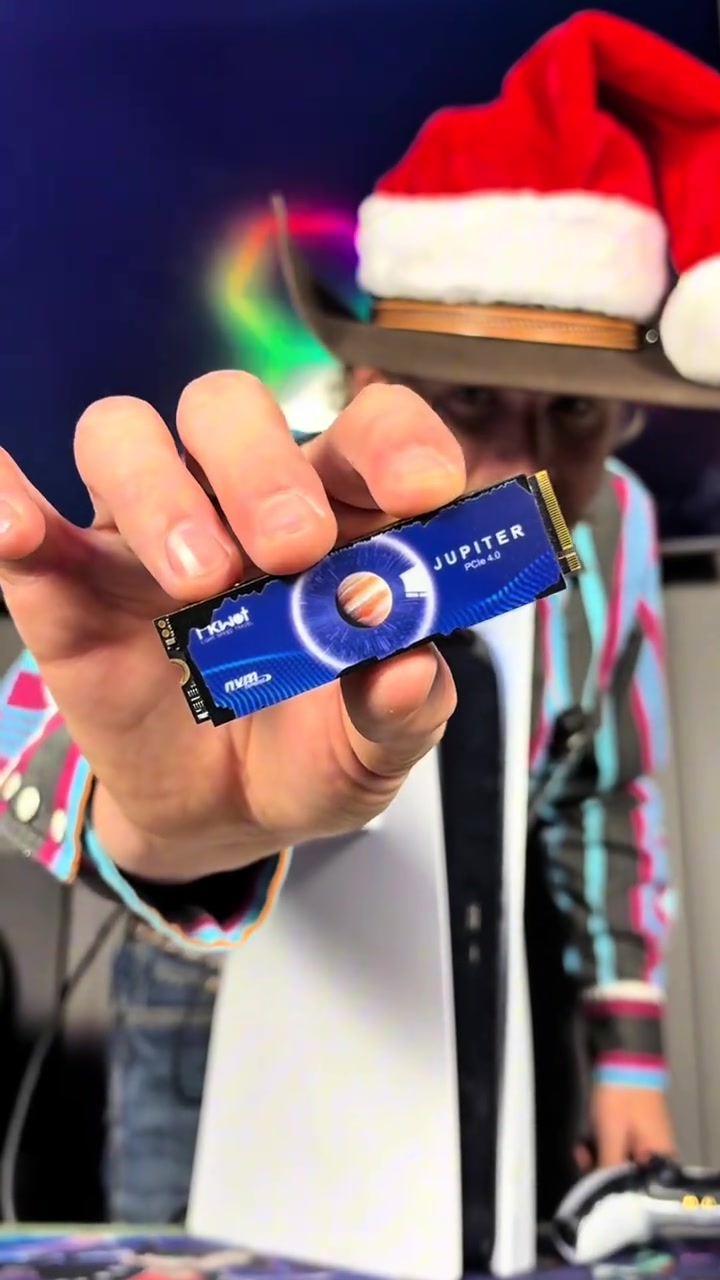
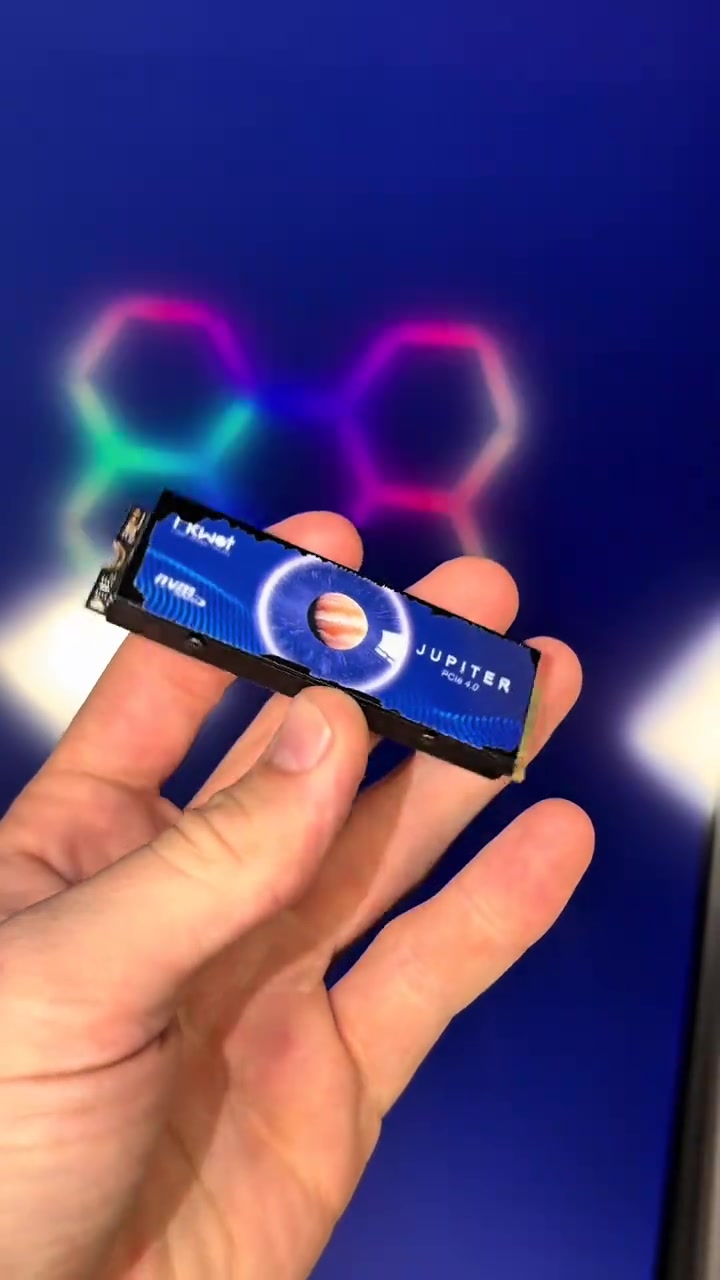
Do you want to add 4TB of storage to your PS5 in 20 seconds? Well this right here is exactly how you're gonna do it. The same upgrade also makes your PS5 better than a gaming PC. This right here is an NVMe M.2 SSD, and it allows you to add anywhere between 500 gigabytes of storage all the way up to 4 terabytes.
User Pain Points
And we were told the PS5 was gonna be able to play GTA 6, but that game's gonna be almost 500 gigabytes, and I guarantee you don't have that much storage on your PS5. Luckily you can install this upgrade in 20 seconds and have as much storage as you need to play the game.
Instructions for Use
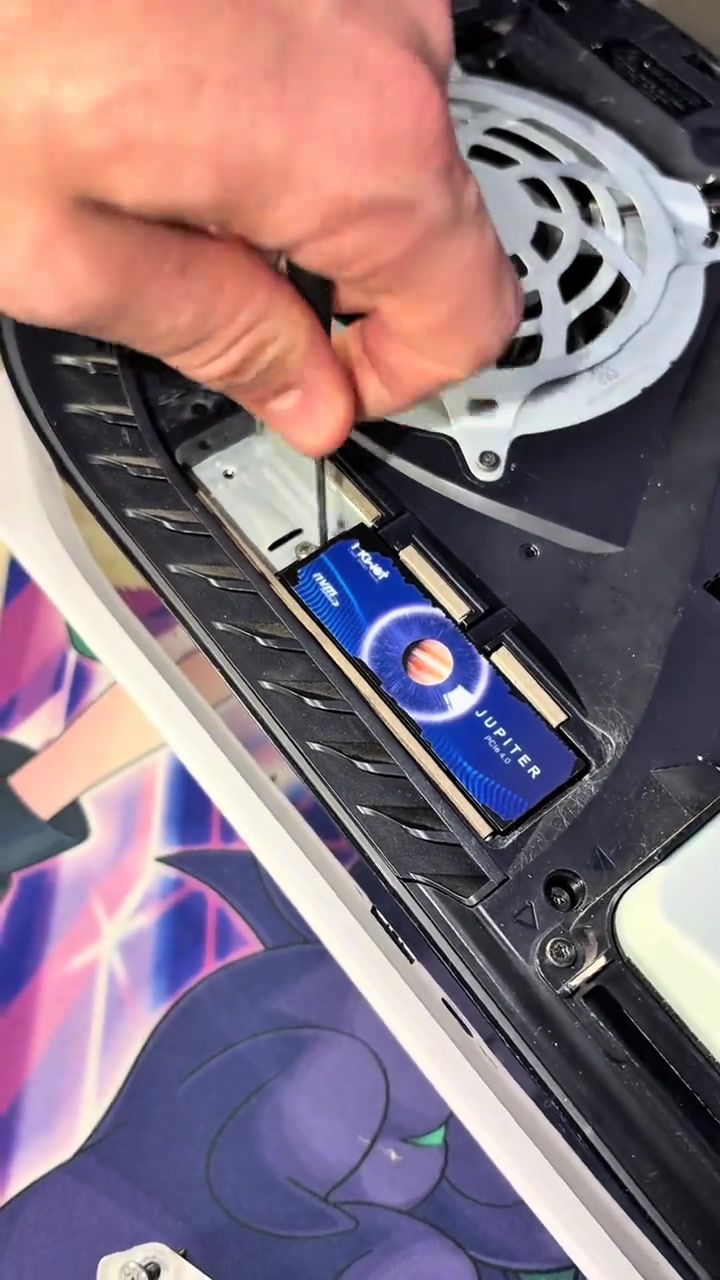
Just simply start by turning your PS5 off properly. Now set your PS5 upright, then go ahead and lay it down to the left. Peel up this back corner over here, pull the opposite direction, and that is gonna expose the SSD cover. Now take out screw number one to remove the cover, and that will expose the SSD slot. Now slide your SSD into place, secure it down, and it's all installed.
Promotional Offers
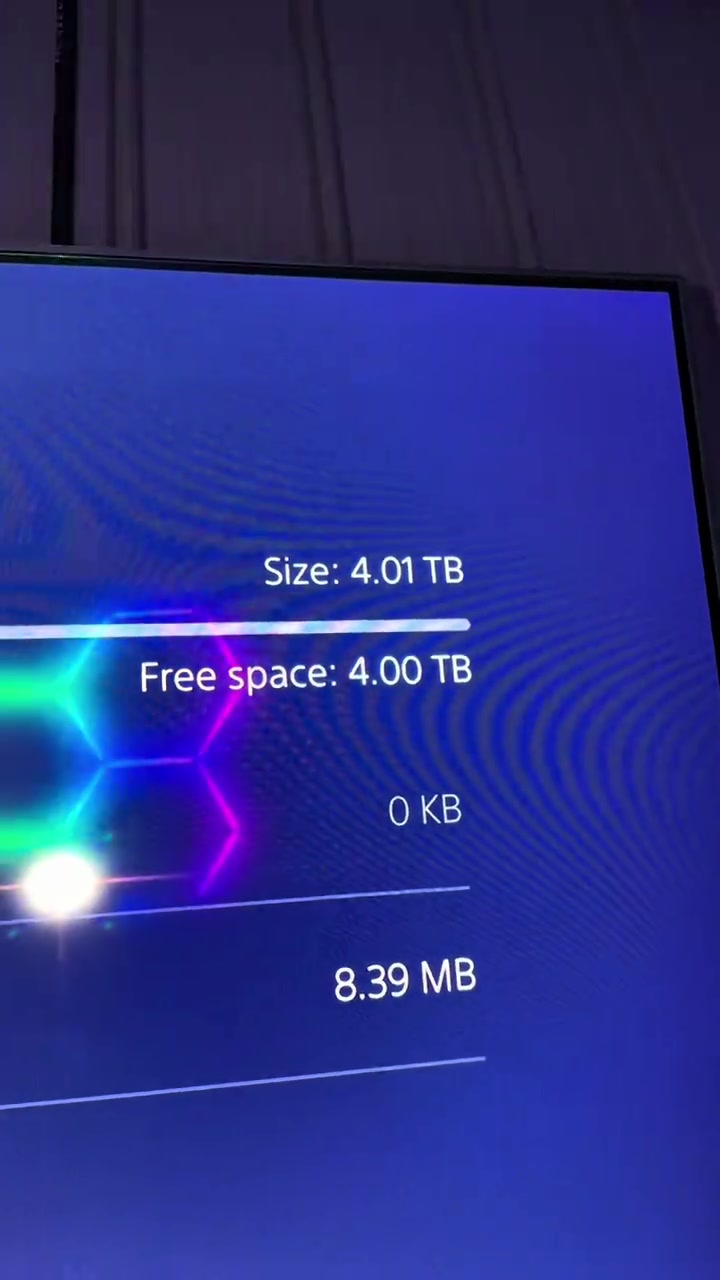
Now my PS5 is better than a gaming PC, and now I have 4 more terabytes of storage inside of my PS5. And I was only able to do that because I added an NVMe M.2 SSD, and I was only able to afford this because it was already on a discount, and then TikTok also decided to launch their Black Friday discount and stack it on top.
Call to Action
So these SSDs are so freaking cheap right now, and every single size they have is on a massive discount. But ever since they ran them at that cheap price, they have already sold out in a few of the select storage options they offer, so if you still see that link, I'd go get an SSD for your PS5 before the rest of the SSDs are sold out.
Storyboard breakdown
Medium Shot
The male blogger holds the blue solid-state drive close to the camera for display, then switches to the PS5 console appearance, system storage interface, and the internal hard drive slot of the disassembled PS5, with colorful neon lights in the background.
Medium Shot
The male blogger stands next to the vertical PS5 explaining, the camera switches to the overall display of PS5 and the controller, then shows the PS5's system interface with only 5GB of remaining built-in storage, and cuts back to the close-up of the hard drive inside the disassembled PS5.
Medium Close-up
The camera first shows the TV screen with the PS5 shutdown prompt, the male blogger sequentially removes the PS5 shell, unscrews the heatsink cover screws of the hard drive, inserts the blue solid-state drive and screws back the fixing screws to complete the hardware installation.
Medium Shot
The male blogger stands next to the vertical PS5 with the installed hard drive explaining, the camera shows the PS5 system interface recognizing the new 4TB hard drive, then holds the solid-state drive to show its appearance from multiple angles, and cuts back to the close-up of the hard drive installed inside the PS5.
Medium Shot
The male blogger stands next to the PS5 holding the hard drive explaining the promotion, the camera switches to the disassembled PS5 display, the frame of the controller and hard drive placed in front of the PS5, and finally returns to the shot of the male blogger explaining.
Frequently asked questions
Do you want to add 4TB of storage to your PS5 in 20 seconds? video FAQ
Questions about this video’s creative strategy, creator, metrics, and creating a similar video.
What hook does this FIKWOT FX910 PCIe 4.0 M.2 2280 Internal NVMe SSD with Graphite Heatsink product video use?
This video uses a “Question hooks” opening. The classification is based on the collected video content and available analysis fields, and can help explain how the first few seconds attract attention.
What selling angle and content structure does this video use?
Its primary selling angle is “Scarcity angle” and its content structure is “First-person POV.” Use these as strategic references, then adapt the execution to your own product, audience, and brand voice.
Is Holden Mann the creator of this video?
The current dataset identifies Holden Mann as the video creator. The creator name links to the corresponding public TikTok profile when available; account details may change over time.
Can I use this FIKWOT FX910 PCIe 4.0 M.2 2280 Internal NVMe SSD with Graphite Heatsink video to create a similar video?
Yes, you can use it as a creative reference. Octer extracts the hook, pacing, content structure, and presentation pattern, then combines them with your product information instead of directly copying the original footage.
Are the views, engagement, and product metrics shown in real time?
No. The page shows the most recently collected public video and product data. Values may lag because of platform updates, reporting periods, or market changes, so treat them as research signals rather than real-time reporting.
What should I consider when creating content from this reference?
Do not directly reuse the original creator’s footage, music, likeness, or brand assets. Confirm your rights to all product and generated assets, and follow TikTok Shop, advertising-market, and applicable local rules before publishing.