질문형 훅
“저 사람 것은 왜 이렇게 훨씬 클까?!”처럼 직접적이고 다소 도발적인 질문은 시청자의 관심을 효과적으로 끌 수 있습니다. 공통된 경험이나 풀리지 않은 궁금증을 건드려 빠르게 공감대를 만들고, 답이나 해결책을 확인할 때까지 머물도록 유도합니다.
상세 분석 보기크리에이티브 분석

In the analyzed video, Holden Mann uses a First-person POV structure, opens with Question hooks, and builds purchase intent through Scarcity angle. This observation is based only on this video's script, storyboard, and public performance data.
무료로 유사 동영상 만들기TikTok에서 원본 보기크리에이티브 분석
In the analyzed video, Holden Mann uses a First-person POV structure, opens with Question hooks, and builds purchase intent through Scarcity angle. This observation is based only on this video's script, storyboard, and public performance data.
“저 사람 것은 왜 이렇게 훨씬 클까?!”처럼 직접적이고 다소 도발적인 질문은 시청자의 관심을 효과적으로 끌 수 있습니다. 공통된 경험이나 풀리지 않은 궁금증을 건드려 빠르게 공감대를 만들고, 답이나 해결책을 확인할 때까지 머물도록 유도합니다.
상세 분석 보기이 시점은 시청자가 직접 경험하는 듯한 느낌을 줍니다. 손으로 촬영한 셀피 영상으로 제품의 디테일과 사용 과정을 보여 주어 현장감 있는 진정성을 만들고, 시청자와의 거리를 좁혀 구매 관심을 높입니다.
상세 분석 보기희소성을 조성하면 소비자가 즉시 주문하도록 효과적으로 유도할 수 있습니다. “품절되기 전에 지금 주문하세요”라고 직접 알리고, “신제품 출시 후 빠르게 판매 중”처럼 한정 수량이거나 인기 있는 이유를 설명합니다. 긴박한 어조가 망설이기 전에 구매하도록 독려합니다.
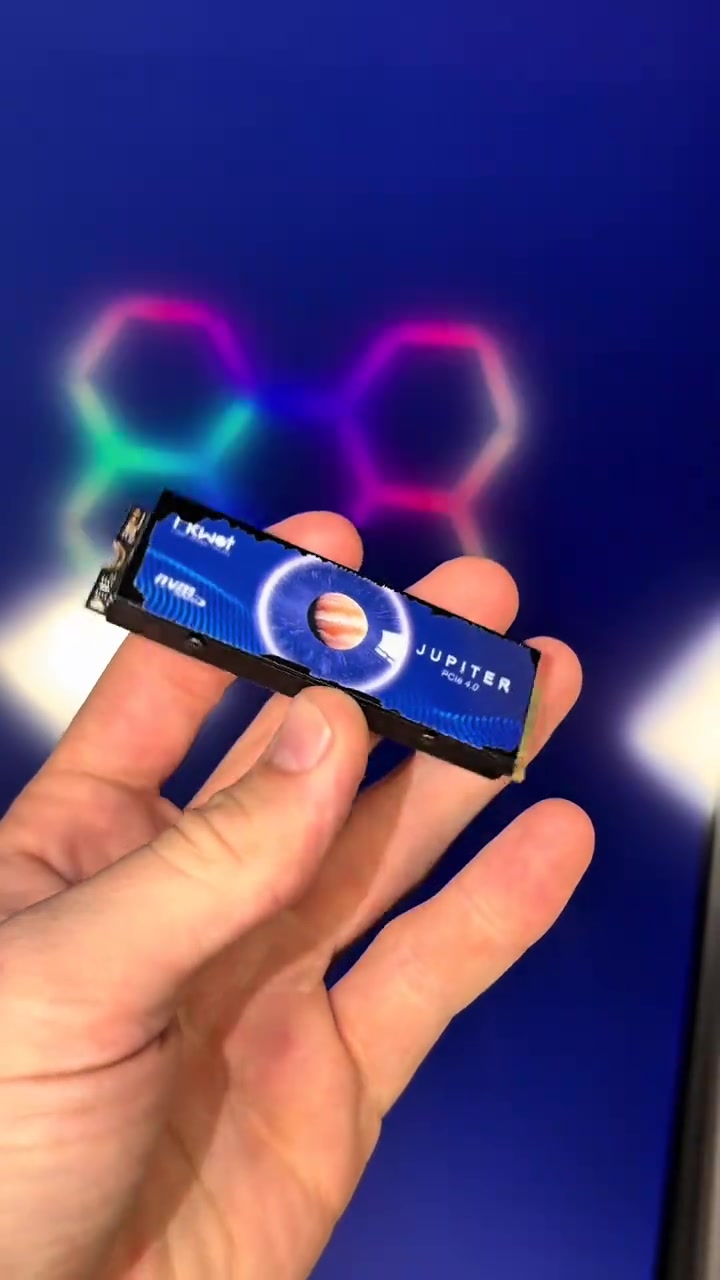
상세 분석 보기Do you want to add 4TB of storage to your PS5 in 20 seconds? Well this right here is exactly how you're gonna do it. The same upgrade also makes your PS5 better than a gaming PC. This right here is an NVMe M.2 SSD, and it allows you to add anywhere between 500 gigabytes of storage all the way up to 4 terabytes.
And we were told the PS5 was gonna be able to play GTA 6, but that game's gonna be almost 500 gigabytes, and I guarantee you don't have that much storage on your PS5. Luckily you can install this upgrade in 20 seconds and have as much storage as you need to play the game.
Just simply start by turning your PS5 off properly. Now set your PS5 upright, then go ahead and lay it down to the left. Peel up this back corner over here, pull the opposite direction, and that is gonna expose the SSD cover. Now take out screw number one to remove the cover, and that will expose the SSD slot. Now slide your SSD into place, secure it down, and it's all installed.
Now my PS5 is better than a gaming PC, and now I have 4 more terabytes of storage inside of my PS5. And I was only able to do that because I added an NVMe M.2 SSD, and I was only able to afford this because it was already on a discount, and then TikTok also decided to launch their Black Friday discount and stack it on top.
So these SSDs are so freaking cheap right now, and every single size they have is on a massive discount. But ever since they ran them at that cheap price, they have already sold out in a few of the select storage options they offer, so if you still see that link, I'd go get an SSD for your PS5 before the rest of the SSDs are sold out.
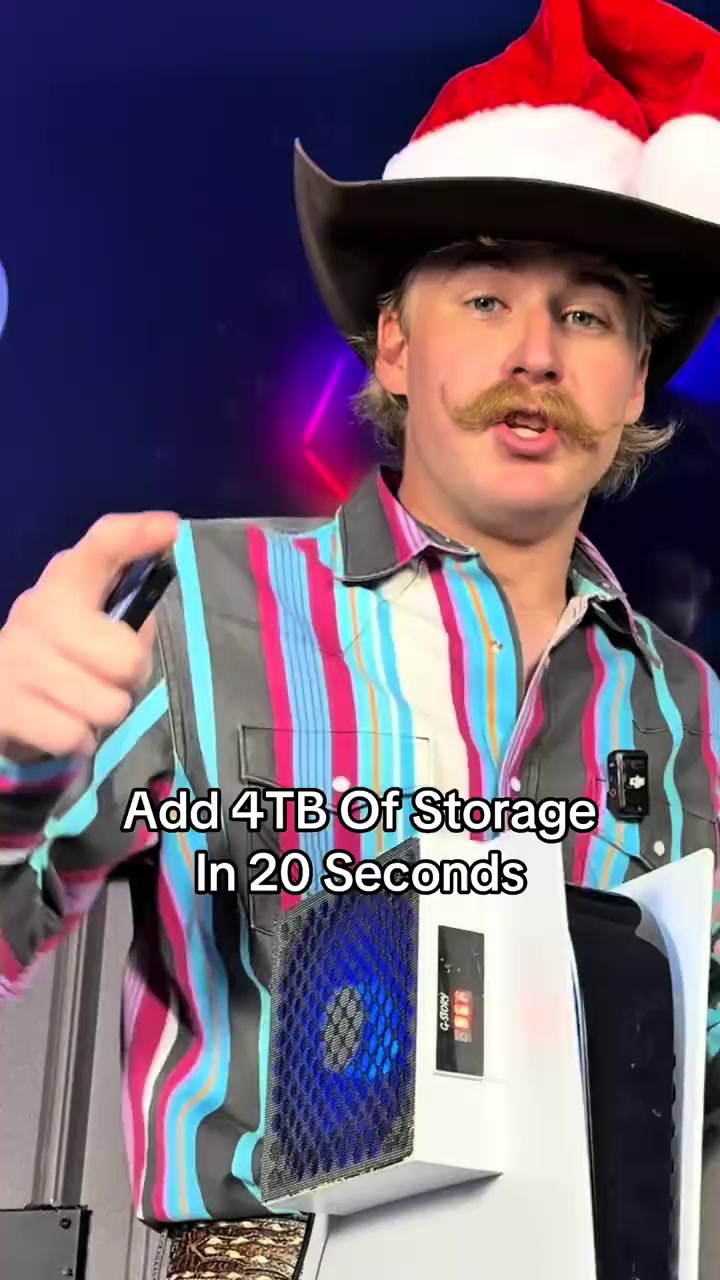
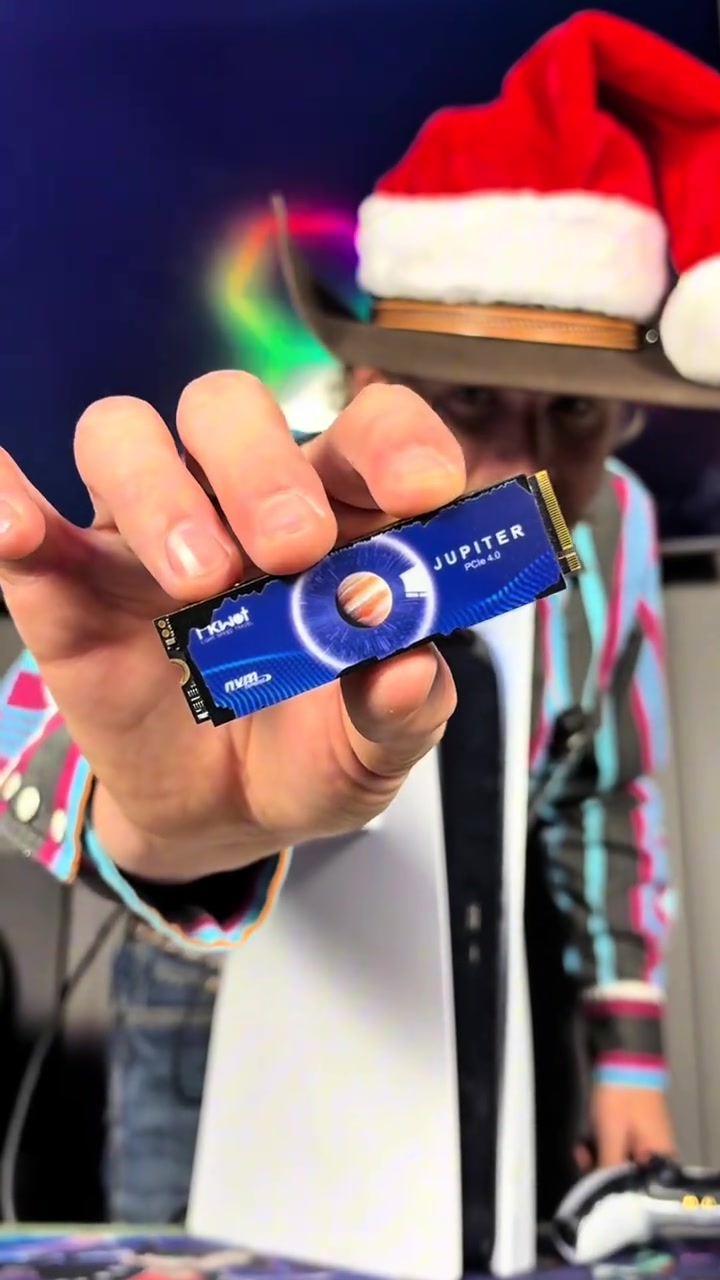
The male blogger holds the blue solid-state drive close to the camera for display, then switches to the PS5 console appearance, system storage interface, and the internal hard drive slot of the disassembled PS5, with colorful neon lights in the background.
The male blogger stands next to the vertical PS5 explaining, the camera switches to the overall display of PS5 and the controller, then shows the PS5's system interface with only 5GB of remaining built-in storage, and cuts back to the close-up of the hard drive inside the disassembled PS5.
The camera first shows the TV screen with the PS5 shutdown prompt, the male blogger sequentially removes the PS5 shell, unscrews the heatsink cover screws of the hard drive, inserts the blue solid-state drive and screws back the fixing screws to complete the hardware installation.
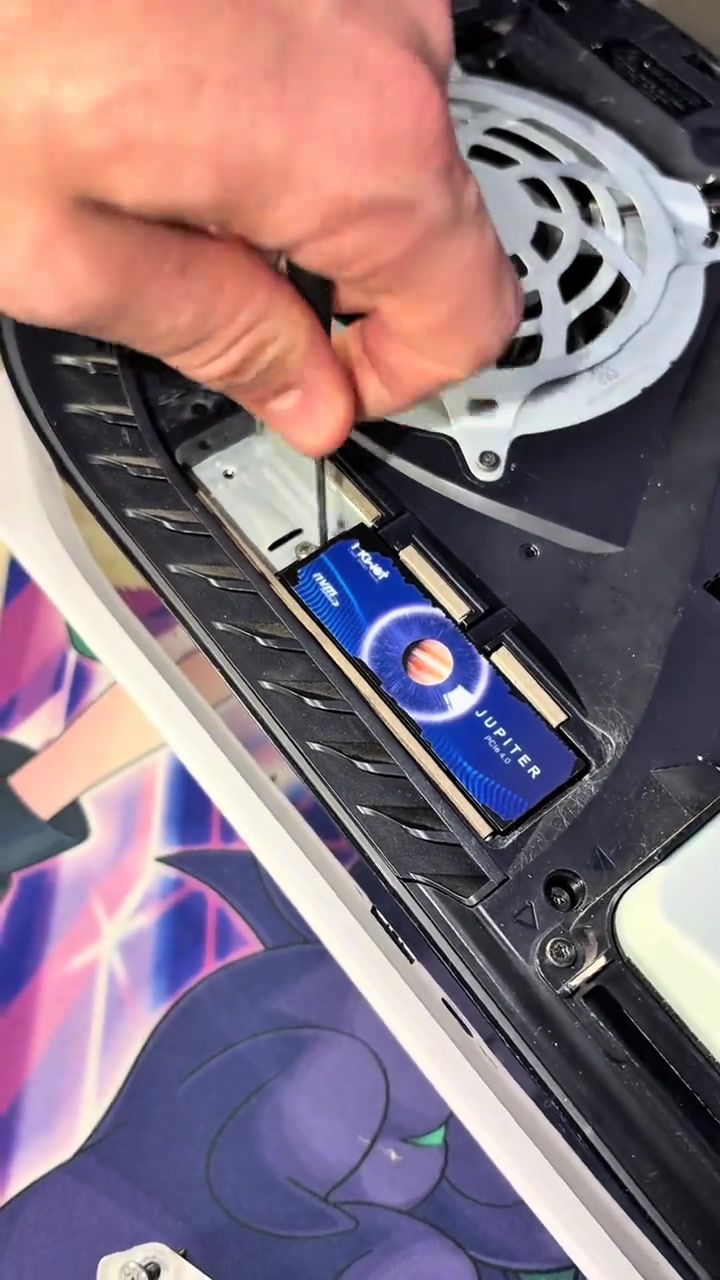
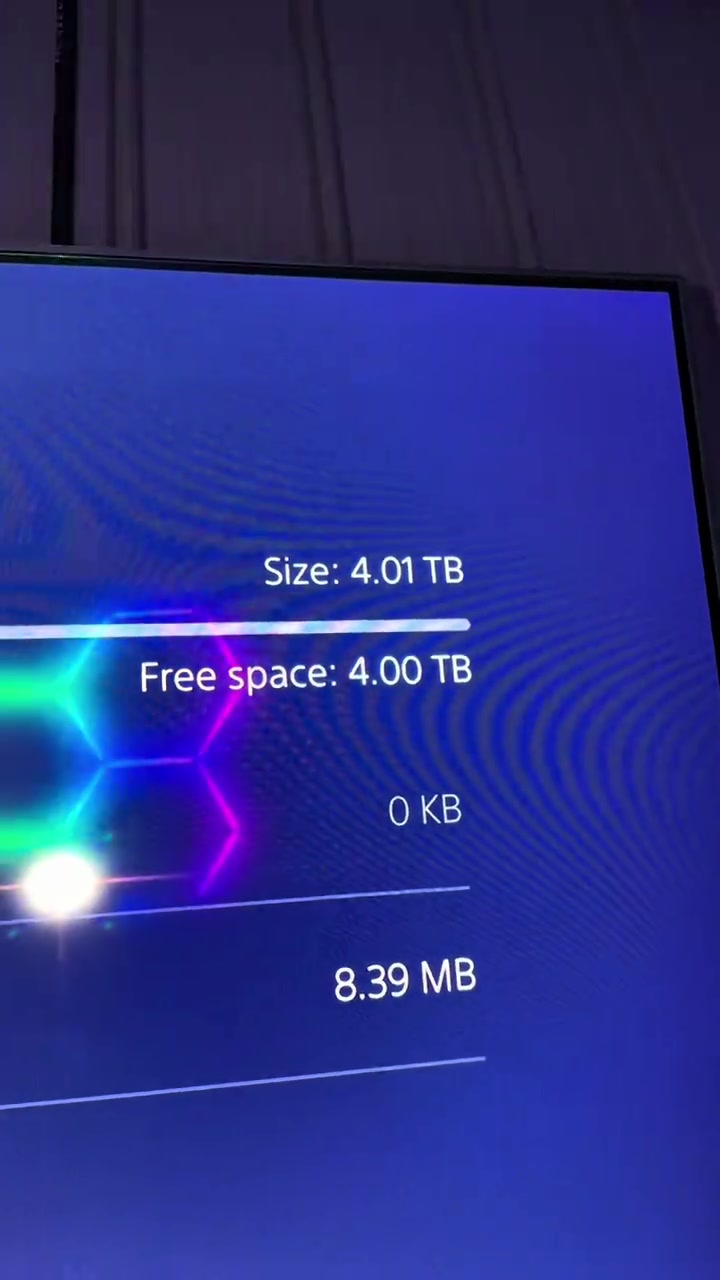
The male blogger stands next to the vertical PS5 with the installed hard drive explaining, the camera shows the PS5 system interface recognizing the new 4TB hard drive, then holds the solid-state drive to show its appearance from multiple angles, and cuts back to the close-up of the hard drive installed inside the PS5.
The male blogger stands next to the PS5 holding the hard drive explaining the promotion, the camera switches to the disassembled PS5 display, the frame of the controller and hard drive placed in front of the PS5, and finally returns to the shot of the male blogger explaining.
자주 묻는 질문
이 동영상의 크리에이티브 전략, 크리에이터, 지표 및 유사 동영상 제작에 관한 질문입니다.
이 동영상은 “질문형 훅”으로 시작합니다. 수집된 동영상 내용과 분석 필드를 기반으로 한 분류이며, 첫 몇 초 동안 관심을 끄는 방식을 이해하는 데 참고할 수 있습니다.
주요 판매 포인트는 “희소성 강조”이고 동영상 구성은 “1인칭 POV”입니다. 상품, 타깃 시청자, 브랜드 표현에 맞게 조정하세요.
현재 데이터에는 Holden Mann 님이 크리에이터로 표시되어 있습니다. 가능한 경우 공개 TikTok 프로필로 이동할 수 있습니다.
네. Octer는 원본 영상을 직접 복사하지 않고 훅, 속도, 구성, 표현 방식을 참고해 상품 정보와 결합합니다.
아닙니다. 가장 최근에 수집된 공개 데이터이며 플랫폼 업데이트와 집계 기간에 따라 지연될 수 있습니다.
원작자의 영상, 음악, 초상 또는 브랜드 자산을 직접 재사용하지 마세요. 게시 전에 사용 권한과 관련 플랫폼 규정을 확인하세요.