No Hook
Videos that begin without a distinct attention-grabbing hook.
View breakdownCreative breakdown

Calling the EMEET C60E a “dream webcam” frames the video as a personal wish come true, with a first person product presentation that can show its dual camera and RGB light as the reasons for the excitement.
Try creating a similar video for freeCreative breakdown
Calling the EMEET C60E a “dream webcam” frames the video as a personal wish come true, with a first person product presentation that can show its dual camera and RGB light as the reasons for the excitement.
Videos that begin without a distinct attention-grabbing hook.
View breakdownThis perspective makes viewers feel as though they are experiencing it firsthand. Handheld selfie shots show product details and the usage process, creating an immersive sense of authenticity that brings viewers closer and sparks purchase interest.
View breakdownCiting authoritative sources and professional endorsements can greatly strengthen product credibility. Creators should mention when a product is expert-designed, patented, or clinically tested, and may show a certificate of authenticity to demonstrate that its quality and effectiveness have professional recognition and can be trusted.
View breakdownThis is the camera quality on my old laptop, but because of this EMEET, wow, it's so bright, so clear. This is the EMEET SmartCam C60E 4K dual, so clear with auto-focus.
I'll show you the features of EMEET, one of them is auto-focus, when I put it close to the camera, it focuses on it and blurs the background.
It also has zoom capability, so you can zoom in three times, five times, seven times, and even eleven. Wow, it can even show the scars on my face, so clear.
It has many features, you can flip it to get the right angle you want, it also has brightness and saturation adjustment.
And it has four presets, first is warm, second is bluish saturated, and lastly is black and white.
This EMEET C60E 4K dual camera is so great, it's so clear. If you're interested, check it out, I'll put the link down below.
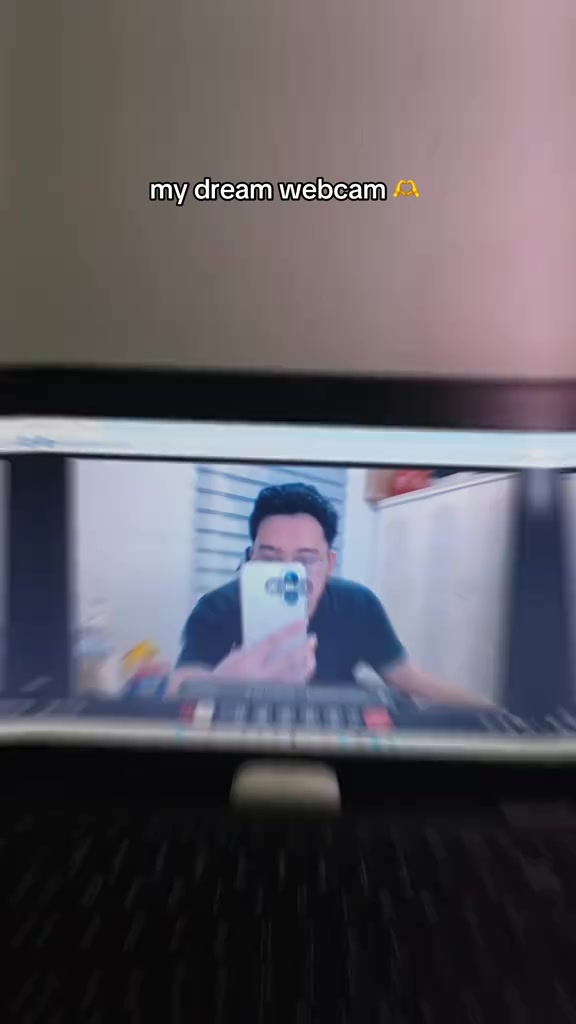
First show the blurry portrait shot by the old laptop's built-in camera, switch to the clear portrait shot by the external EMEET camera, then give a close-up of the webcam mounted on a desktop tripod. The background is an esports desktop with peripherals, and the screen behind displays an autumn forest wallpaper.
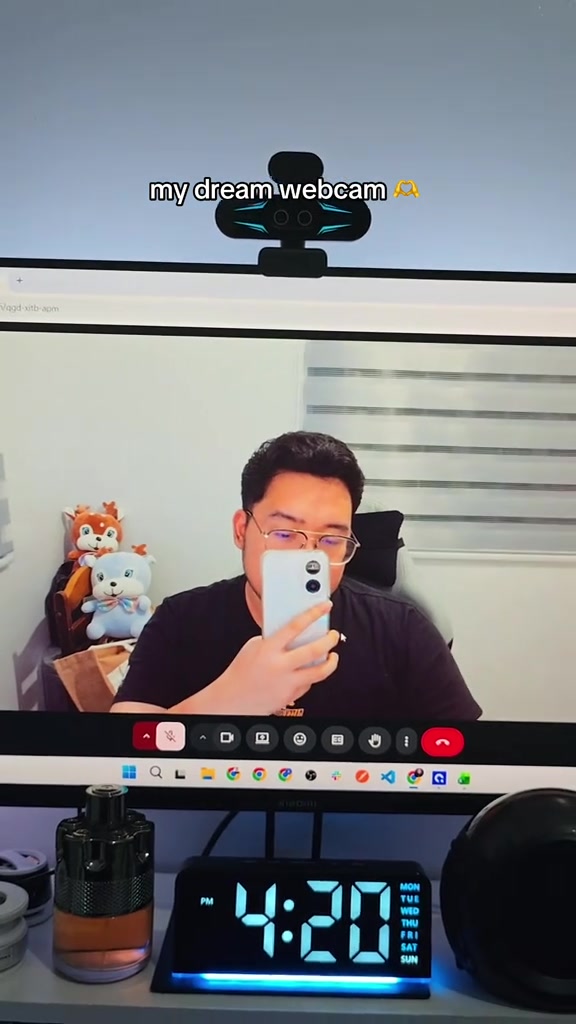
The monitor displays the portrait shot by the webcam, a hand holds the remote control in front of the lens, close to the camera area, to demonstrate the auto-focus and background blur effect. The digital clock below the screen shows the time as 4:20.
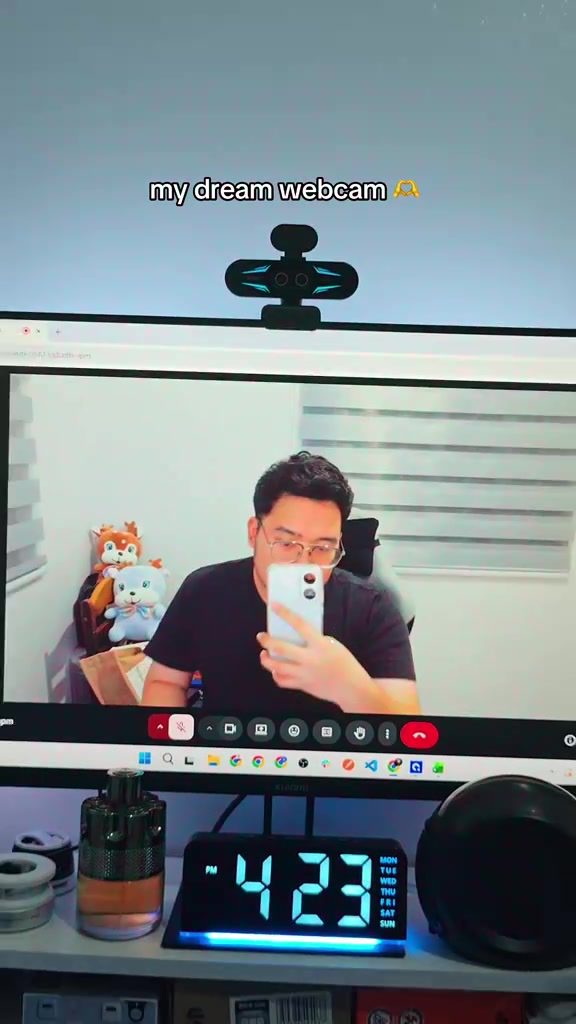
The hand presses the buttons on the remote control to demonstrate the webcam's zoom function. The portrait on the monitor gradually zooms in, finally reaching a close-up of the person's eyes, clearly showing the detailed texture of the face.
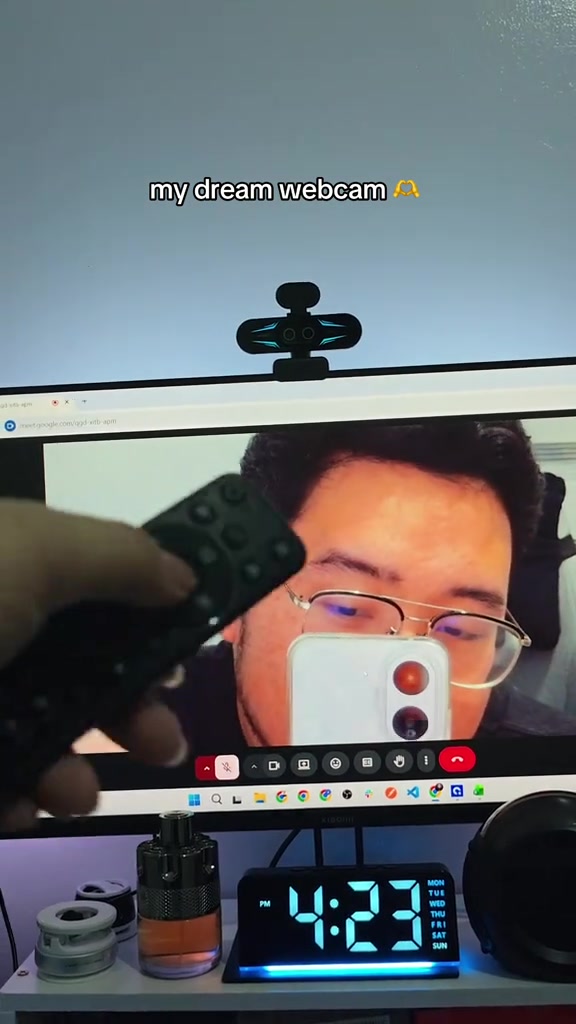
The hand presses the remote buttons again to demonstrate the flip function for adjusting the shooting angle, while adjusting the brightness and saturation of the image. The angle of the portrait on the monitor flips accordingly.
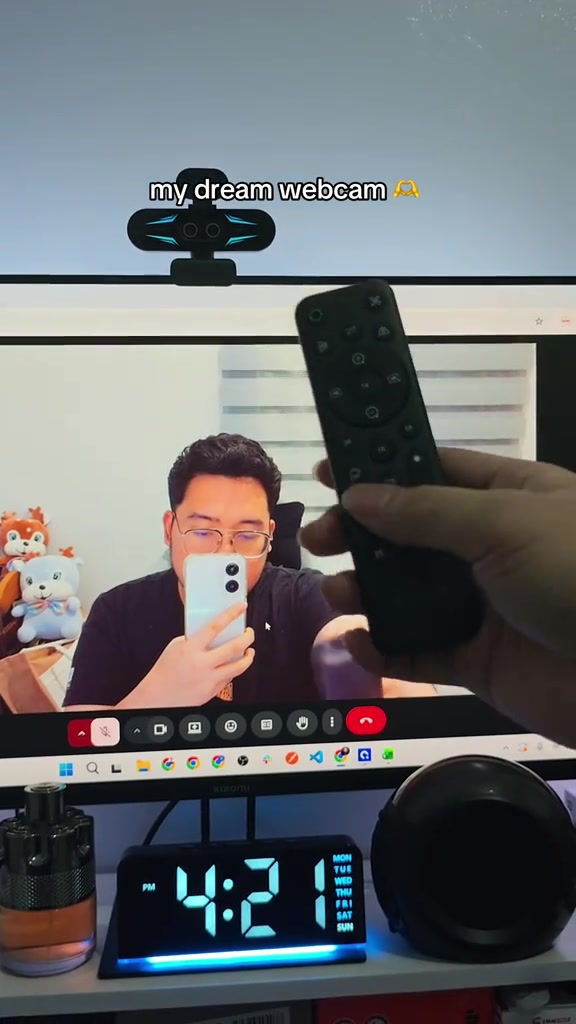
The hand presses the preset buttons on the remote control to switch between different filter presets of the webcam. The image on the monitor switches from warm tone to cool blue tone, finally to black and white.
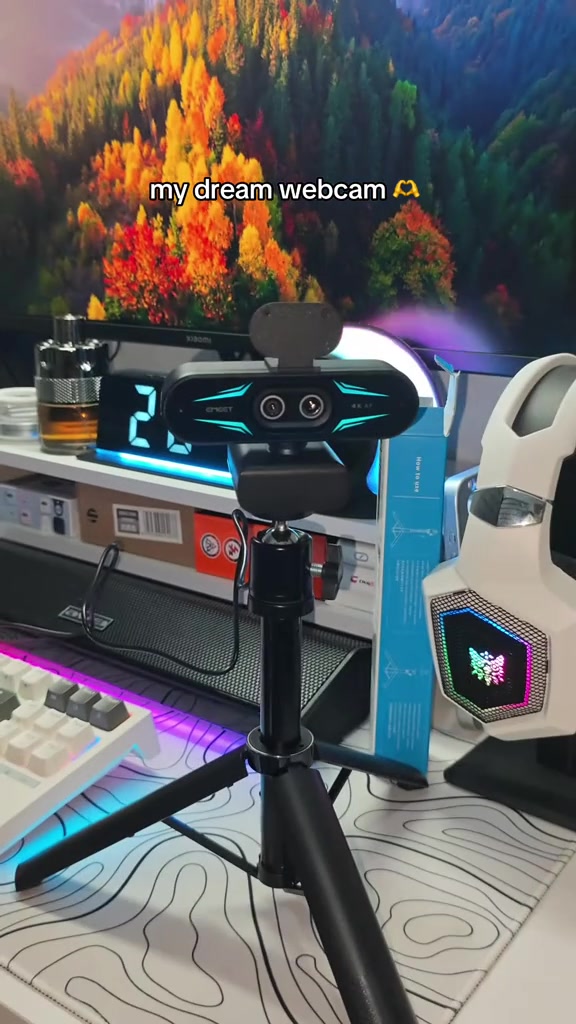
The shot pans around to show the appearance details of the EMEET webcam mounted on a black tripod. The background is an esports desktop full of peripherals, with RGB ambient lighting around, and the frame gradually darkens at the end.
Frequently asked questions
Questions about this video’s creative strategy, creator, metrics, and creating a similar video.
This video uses a “No Hook” opening. The classification is based on the collected video content and available analysis fields, and can help explain how the first few seconds attract attention.
Its primary selling angle is “Proof angle” and its content structure is “First-person POV.” Use these as strategic references, then adapt the execution to your own product, audience, and brand voice.
The current dataset identifies AldreyJ💎 as the video creator. The creator name links to the corresponding public TikTok profile when available; account details may change over time.
Yes, you can use it as a creative reference. Octer extracts the hook, pacing, content structure, and presentation pattern, then combines them with your product information instead of directly copying the original footage.
No. The page shows the most recently collected public video and product data. Values may lag because of platform updates, reporting periods, or market changes, so treat them as research signals rather than real-time reporting.
Do not directly reuse the original creator’s footage, music, likeness, or brand assets. Confirm your rights to all product and generated assets, and follow TikTok Shop, advertising-market, and applicable local rules before publishing.