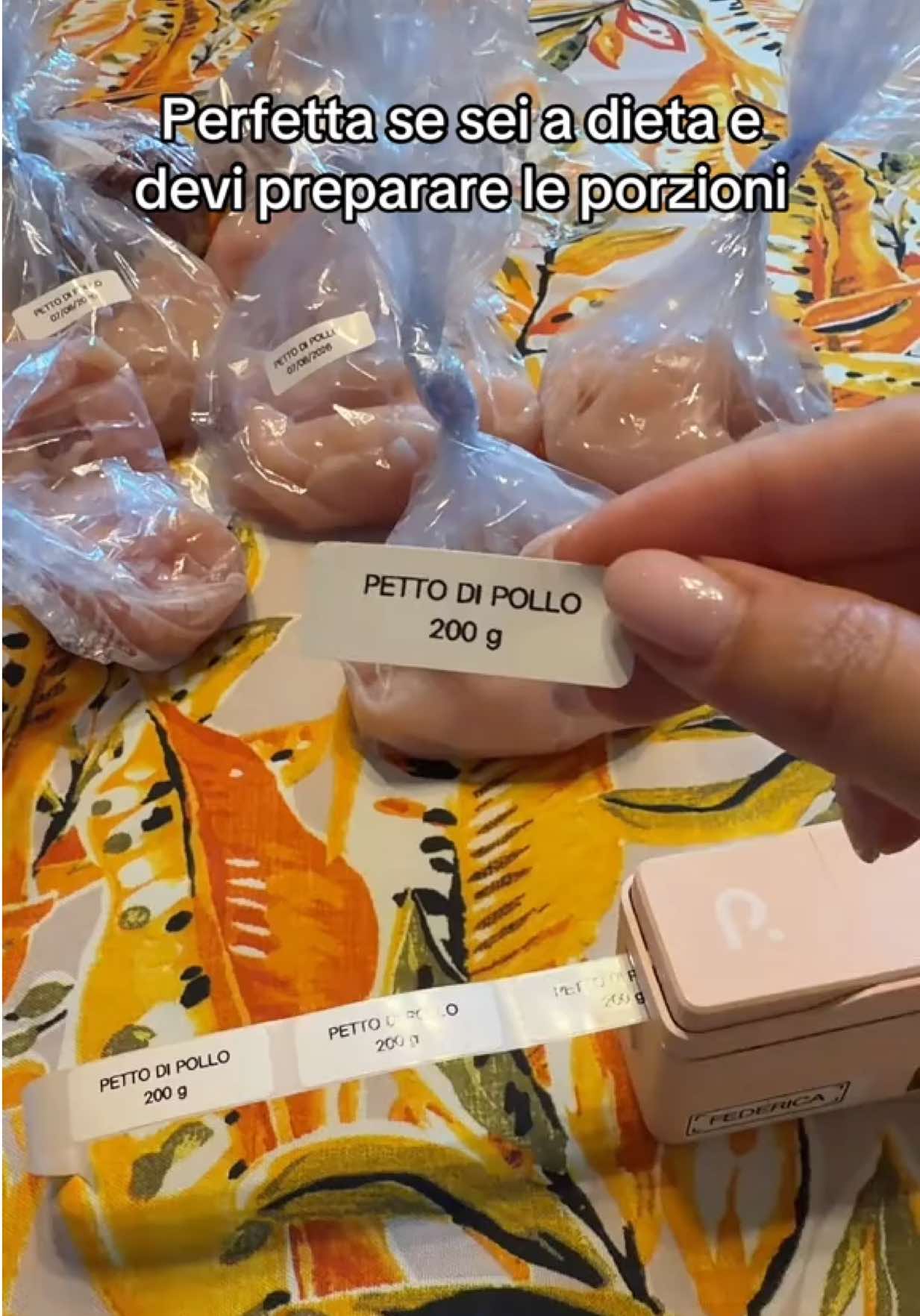
No Hook
Videos that begin without a distinct attention-grabbing hook.
View breakdownCreative breakdown

The video turns a phone or laptop into an at-home cinema setup, highlighting an 84-inch screen and built-in speaker to demonstrate the mini projector’s convenient entertainment potential.
Try creating a similar video for freeView source on TikTokCreative breakdown
The video turns a phone or laptop into an at-home cinema setup, highlighting an 84-inch screen and built-in speaker to demonstrate the mini projector’s convenient entertainment potential.
Videos that begin without a distinct attention-grabbing hook.
View breakdownThis perspective makes viewers feel as though they are experiencing it firsthand. Handheld selfie shots show product details and the usage process, creating an immersive sense of authenticity that brings viewers closer and sparks purchase interest.
View breakdownA seamless user experience or versatile functionality is key to a product’s success. Showing how easy it is to go from unboxing to use, or highlighting an all-in-one design with functions such as slicing, shredding, and juicing, effectively appeals to consumers seeking speed and convenience.
View breakdownHome cinema screen from phone/laptop; 84-inch screen with built-in speaker
Built-in apps like Netflix & YouTube; my favorite is to use QuickShare to mirror from laptop! You can also download other apps like TikTok.
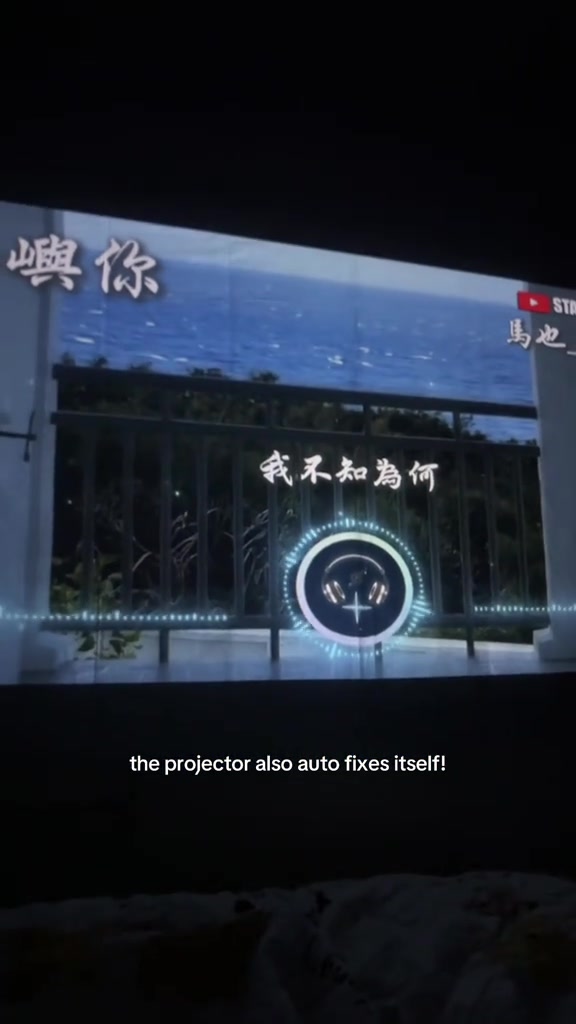
The audio is damn good for karaoke; I can't even turn the volume to 100 because my room was already blasting! The projector also auto-adjusts the image itself!
If you find the image blurry, just turn this little knob and it will become super clear! It's really affordable to elevate your solo nights and dates.
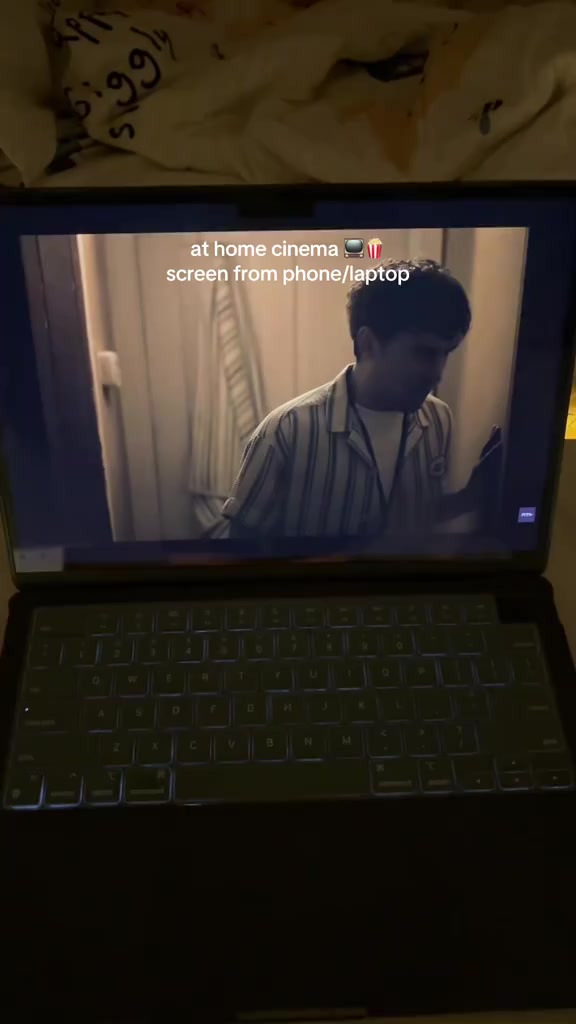
The camera slowly pulls back from the laptop playing a movie, showing a girl lying in bed, then the movie is projected onto the bedroom wall, while also displaying footage of a character holding an item and a scene inside a car, creating a home cinema atmosphere.
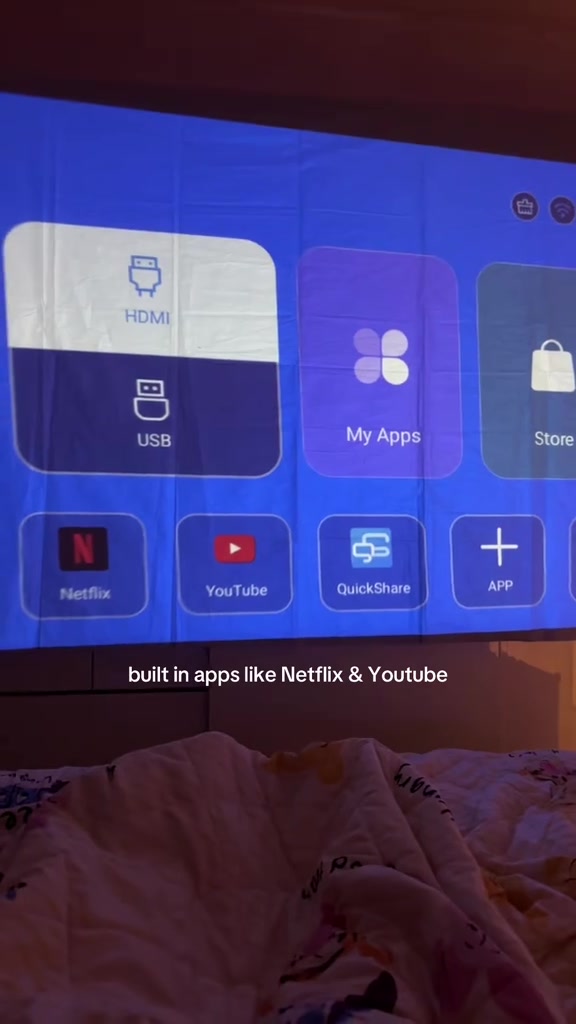
The projector's system main menu interface is shown, using a remote control to switch between and open Netflix and YouTube apps in sequence, displaying the screen mirroring setup page and the full app list page.
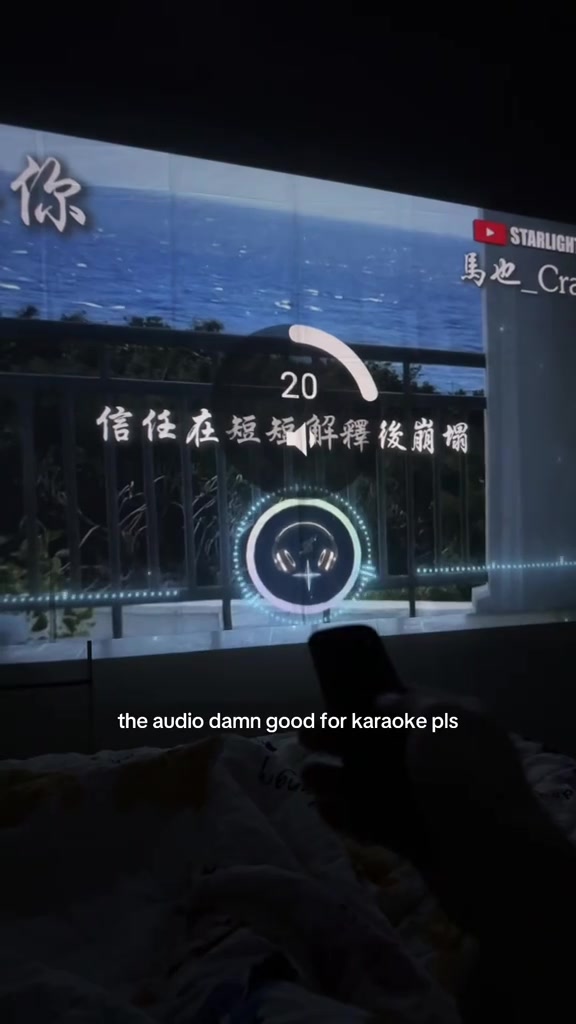
The projector projects a karaoke lyrics interface with a seascape background; a hand holding a remote adjusts the volume, while demonstrating the projector's automatic keystone correction effect. A Chinese pop song plays continuously in the background.
The camera focuses on the white projector body, manually turning the focus ring, then cuts back to the projected screen to demonstrate the effect of the image from blurry to clear. Finally, it shows the girl lying in bed holding a plush toy, with the image projected on the wall by the window for a cozy home viewing scene.
Frequently asked questions
Questions about this video’s creative strategy, creator, metrics, and creating a similar video.
This video uses a “No Hook” opening. The classification is based on the collected video content and available analysis fields, and can help explain how the first few seconds attract attention.
Its primary selling angle is “Convenience angle” and its content structure is “First-person POV.” Use these as strategic references, then adapt the execution to your own product, audience, and brand voice.
The current dataset identifies Cassandra Loh as the video creator. The creator name links to the corresponding public TikTok profile when available; account details may change over time.
Yes, you can use it as a creative reference. Octer extracts the hook, pacing, content structure, and presentation pattern, then combines them with your product information instead of directly copying the original footage.
No. The page shows the most recently collected public video and product data. Values may lag because of platform updates, reporting periods, or market changes, so treat them as research signals rather than real-time reporting.
Do not directly reuse the original creator’s footage, music, likeness, or brand assets. Confirm your rights to all product and generated assets, and follow TikTok Shop, advertising-market, and applicable local rules before publishing.